Free Wedding RSVP Google Form Template (Copy in 1 Click)
· Meera Kapoor · 11 min read
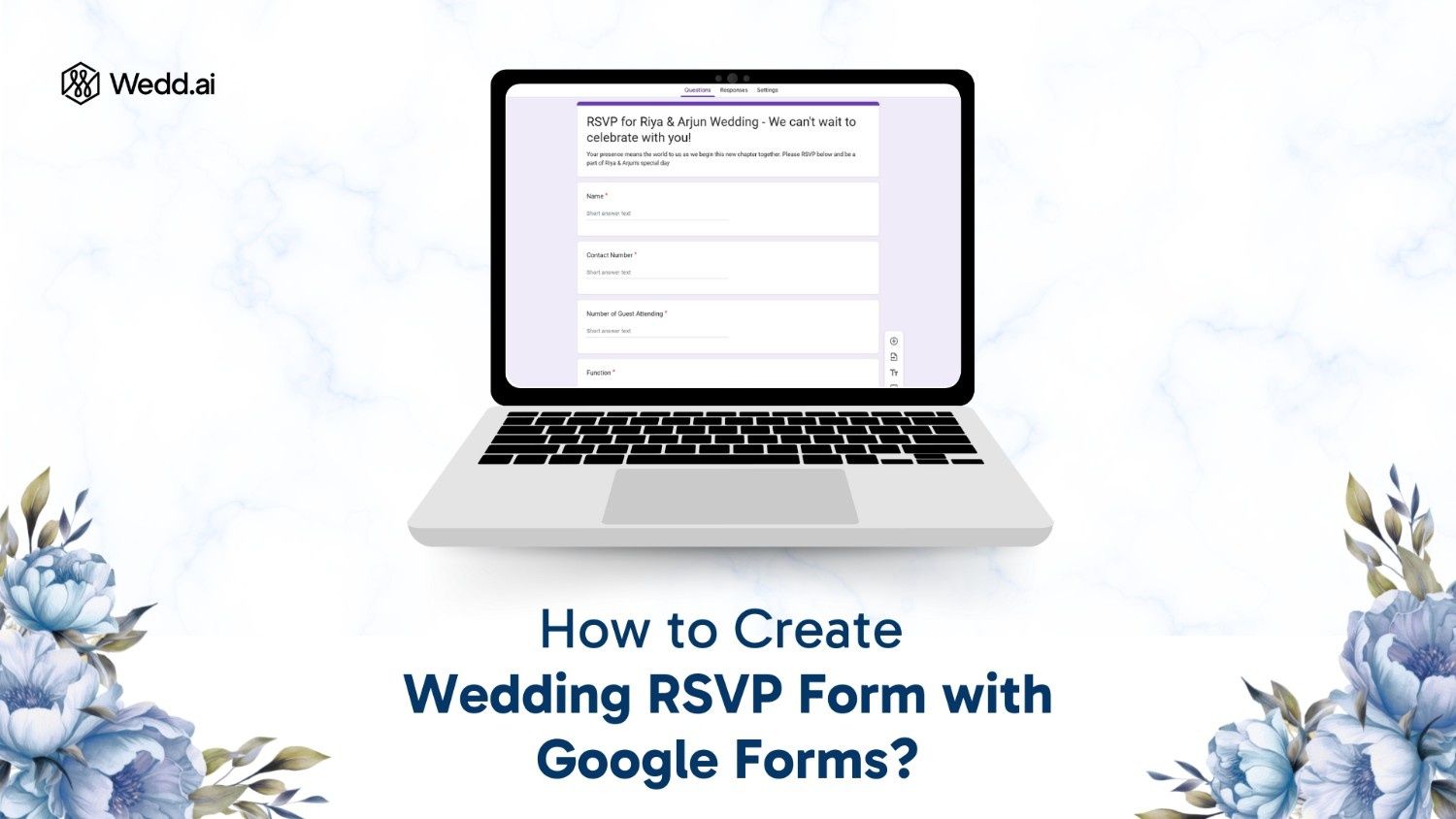
Here is a ready-made wedding RSVP Google Form. Click the button, and Google drops a private copy straight into your Drive — no signup, no template gallery hunting, no building questions from scratch.
Free template
Copy the wedding RSVP Google Form
Opens Google Forms and saves a private copy to your own Drive. Pre-built with guest names, attendance, plus-ones, meal preferences and multi-event options — edit anything you like.
If you would rather build one yourself, the step-by-step walkthrough further down shows every question and setting. And if you are planning a 400-guest, five-function shaadi, skip ahead to where Google Forms starts to break — it is worth knowing before you send the link to 400 people.
What's Inside the Template
The form is already set up with the questions most couples end up adding anyway:
- Guest name and contact number — so you can follow up
- Attending / Not attending — with branching, so people who decline aren't asked about meal preferences
- Number of guests attending — your plus-one count
- Which functions will you attend? — Haldi, Mehendi, Sangeet, Wedding, Reception (multi-select)
- Meal preference — Vegetarian, Non-Vegetarian, Jain, Vegan, Kids' meal
- Dietary restrictions or allergies — free text for your caterer
- Travel and accommodation — whether they need a room, and arrival/departure dates
- A note for the couple — an optional blessings box, which guests genuinely enjoy
Delete whatever doesn't apply. A form with eight questions gets filled; a form with twenty gets abandoned halfway.
Three Ways to Share Your RSVP Link
Once you have your copy, click Send → link icon → Shorten URL to get a clean forms.gle/… address. Then:
- WhatsApp — the default for Indian weddings. Drop it in the family group, and send it individually to anyone who matters.
- QR code on the invitation card — generate a QR from the short link and print it on the card or the envelope insert. Elderly guests who won't type a URL will still scan a code someone holds up for them.
- Email — best for colleagues and outstation guests, where you want a paper trail and the date in writing.
A message that actually gets opened (tap to copy, then paste your link):
- "Namaste! 🙏 Aapko humari shaadi mein dil se invite karte hain. Please apni details yahan bhar dijiye taaki hum aapke liye sab arrange kar sakein: [RSVP LINK] — reply by [DATE] please!"
How to Add Your RSVP Link to a Canva Invitation
If you designed your invite in Canva, you can attach the RSVP link directly to the design:
- Copy your form's short link (Send → link icon → Shorten URL).
- In Canva, select the text or button you want to make clickable — something like "RSVP here" works well.
- Press Ctrl + K (Cmd + K on Mac), or click the link icon in the toolbar.
- Paste your form link and hit Done.
One catch worth knowing before you send anything: clickable links survive in PDF downloads and in shared Canva links, but not in JPG or PNG exports — which is exactly what most people send on WhatsApp. If you're exporting an image, put the RSVP link in the accompanying message instead.
And for printed cards, a link is useless — use a QR code. In Canva, go to Apps → QR Code, paste your form link, generate, and drag it onto the design. Print it at least 2cm across so older phones can focus on it.
Now, the honest bit that most guides skip: sending the link is the easy half. Getting replies is the hard half.
Kabhi dur wale mausaji ka number miss ho jaaye, bhua reply na kare, ya tayaji last-minute do extra guests le aayein — if you have been part of an Indian shaadi, you know exactly how real this is. A form doesn't chase anyone. We'll come back to that.
Google Docs RSVP vs Google Forms RSVP
A quick clarification, because plenty of people search for a "Google Docs RSVP form" and end up in the wrong tool.
| Google Docs | Google Forms | |
|---|---|---|
| Collects replies | No | Yes |
| Tallies a headcount | Manual | Automatic |
| Feeds a spreadsheet | No | Yes, in real time |
| Good for | Printing an RSVP card or drafting wording | Actually collecting RSVPs |
Google Forms is what you want. It lives inside the same Google Docs suite, which is why the names get mixed up, but Docs has no way to collect a structured response. If you specifically want the wording for a printed RSVP card, that's a different job — see our guide to RSVP wording for wedding cards.
Why Google Forms Works Well for RSVPs

Traditionally, families spend days making calls, chasing responses, and still end up confused about who is actually attending. With India's wedding sector digitising fast — online bookings, invitations and RSVPs included, projected to grow at a CAGR of 15.1% from 2025–2030 — a shared form cuts most of that out.
It's free and instant. No subscription, no per-guest pricing, no trial that expires two weeks before the wedding.
Everyone can already open it. Your cousin studying abroad and your chachi on a five-year-old Android both open the same link in a browser. No app download, no account creation, no login wall.
Replies land in one place. Instead of confirmations scattered across phone calls, WhatsApp DMs and a family group, every response writes itself into a Google Sheet you can filter and sort.
You can shape it to your wedding. Event-specific questions, dietary notes, plus-ones, travel help — all editable in a few minutes.
Step-by-Step: Build Your Own RSVP Form

Prefer to build from scratch, or want to understand what the template is doing? Here's the whole process.
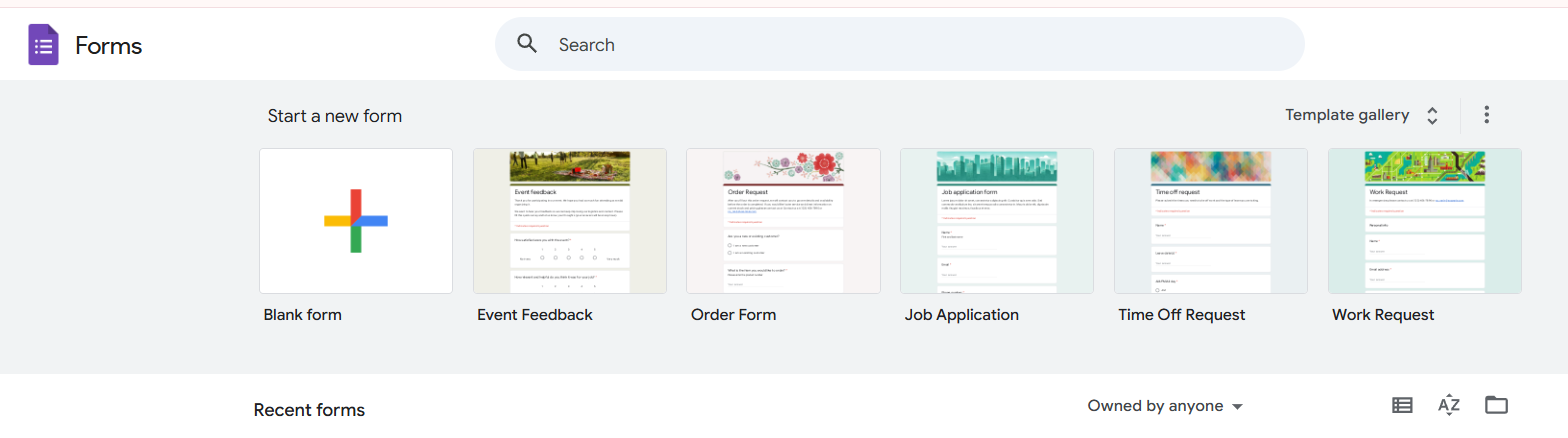
1. Go to Google Forms
Open forms.google.com and sign in with your Google account.
2. Choose a starting point
Click Template Gallery at the top and look for an RSVP template.
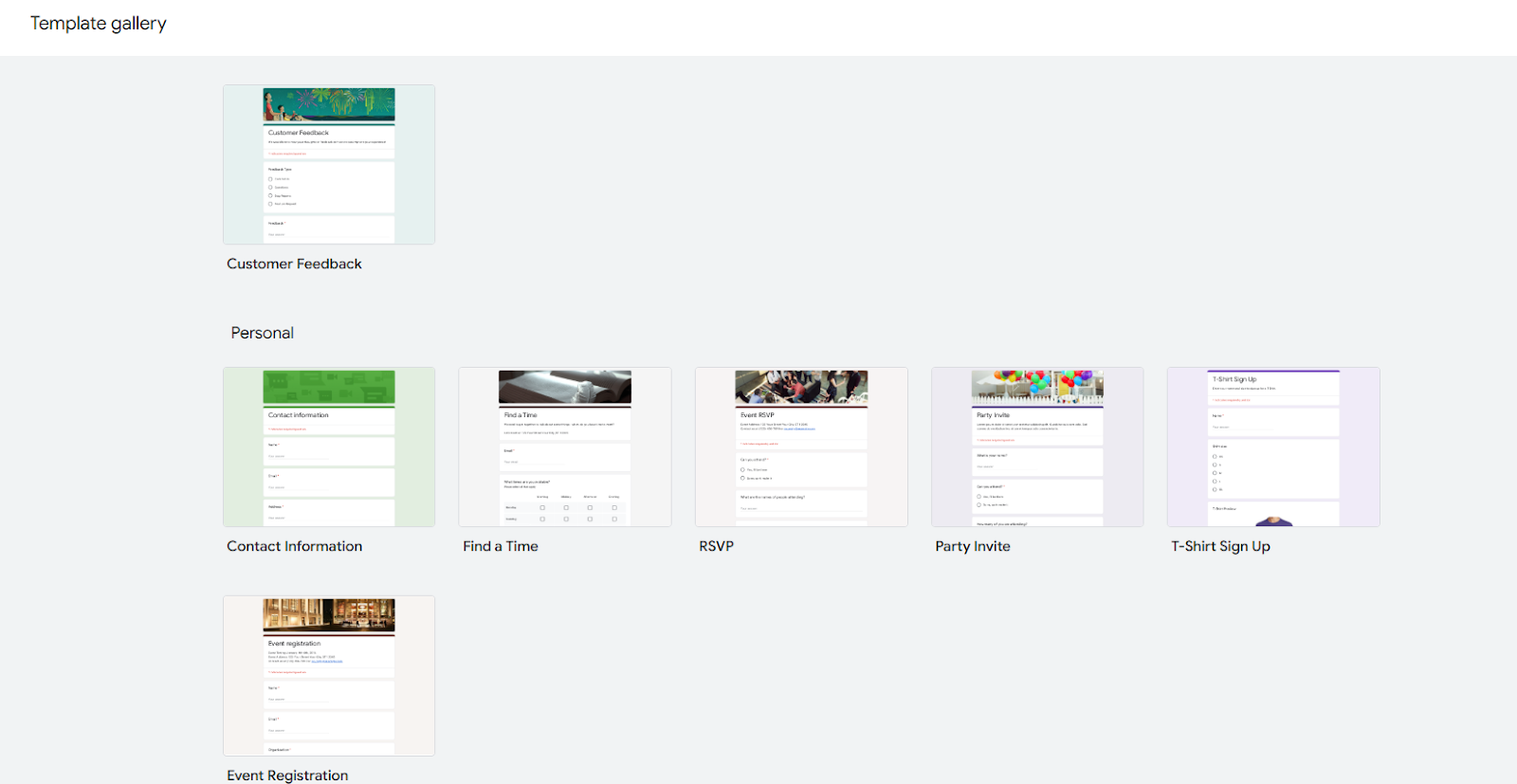
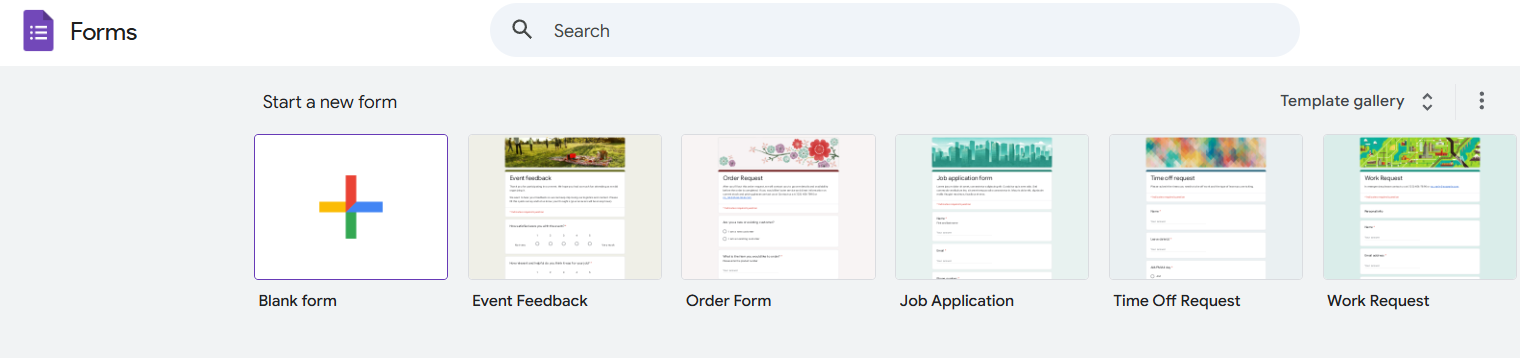
Google's built-in RSVP templates are built for Western dinner parties — one event, one guest, one meal. For an Indian wedding you'll be rebuilding most of it, so the Blank form (+) is usually the faster start.
3. Add a title and a warm intro
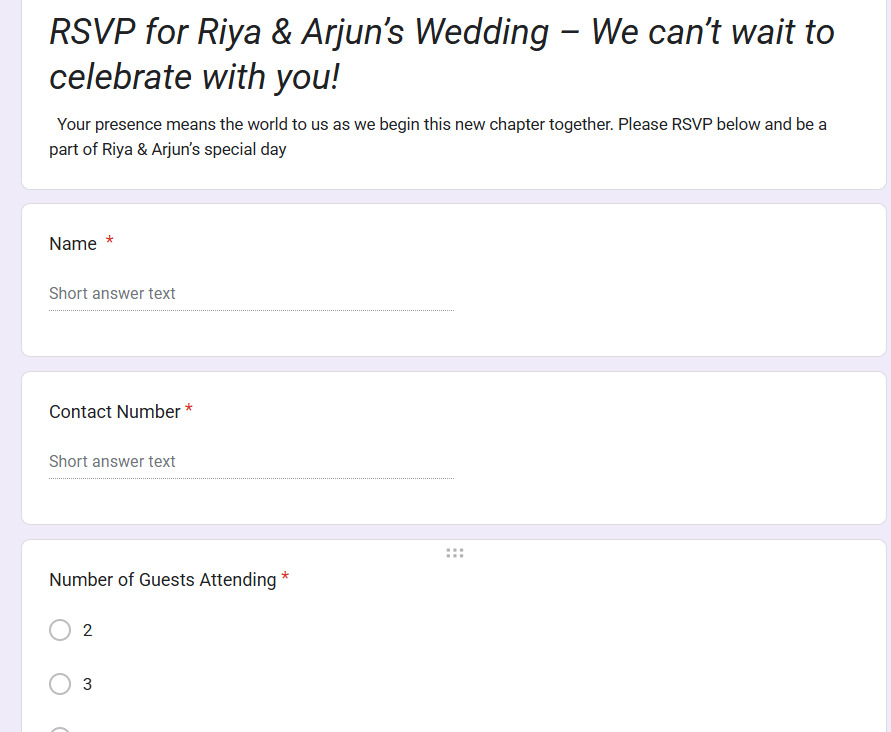
Something like: "RSVP for Riya & Arjun's Wedding — we can't wait to celebrate with you!" Add a one-line note with your reply-by date.

4. Add the essential fields
Full name, contact number, attending yes/no, number of guests, meal preference, and travel plans if you're hosting outstation family.
5. Use dropdowns, not text boxes
Every open text box becomes a data-cleaning job later. "Veg", "vegetarian", "VEG" and "no non-veg" are four different strings in your spreadsheet. Give people multiple-choice options instead.
6. Add branching so decliners aren't interrogated
On the "Are you attending?" question, open the 3-dot menu → Go to section based on answer. Send Yes to the detail questions and No to a short thank-you. It halves the form for anyone who can't make it.
7. Personalise it
Change the colours and fonts to match your invitation, and add a photo of the couple in the header. A form that looks like your wedding gets noticeably better response rates than the default purple.
8. Turn on response tracking
In the Responses tab, click the Sheets icon to link a Google Sheet. Every reply now lands there automatically, timestamped.
Also read: AI-Powered Invitation Ideas for a Wedding
Questions Worth Including
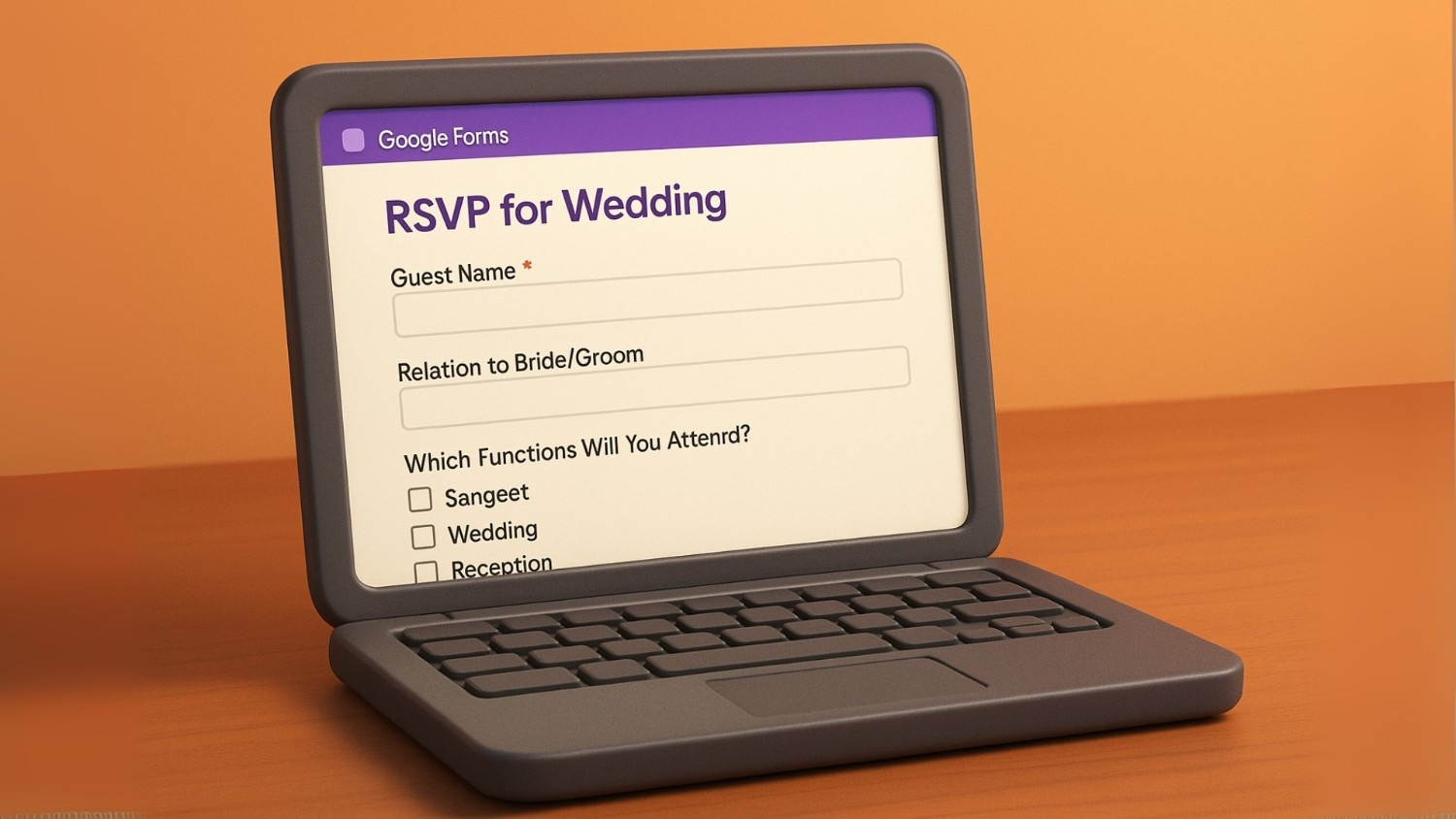
An Indian wedding involves multiple functions, a wide guest list, and a lot of logistics. These are the questions that save you a follow-up call later:
1. Guest name(s) — full names of everyone in the group.
2. Relation to bride/groom — helps with seating, family grouping and acknowledgements.
3. Which functions will you attend? — Haldi, Mehendi, Sangeet, Wedding Ceremony, Reception. Let guests select all that apply.
4. Number of guests attending — essential if you've extended a family or plus-one invite.
5. Travel and stay — do they need accommodation, are they arriving by flight/train/car, and on what dates.
6. Meal preference — Vegetarian, Non-Vegetarian, Vegan, Jain, or kids' meal.
7. Dietary restrictions or allergies — your caterer will thank you.
8. Outfit colour coordination (optional) — if you have a dress code per function.
9. Song or performance requests — for Sangeet and Reception.
10. Special assistance — wheelchair access, ground-floor rooms, and similar needs for elderly guests.
11. Contact details — phone or email, so you can send venue updates.
12. A note for the couple — optional, and the one everyone actually enjoys filling in.
Keep it short enough to finish on a phone, complete enough that you're not chasing details later.
Tips for Getting Replies Back
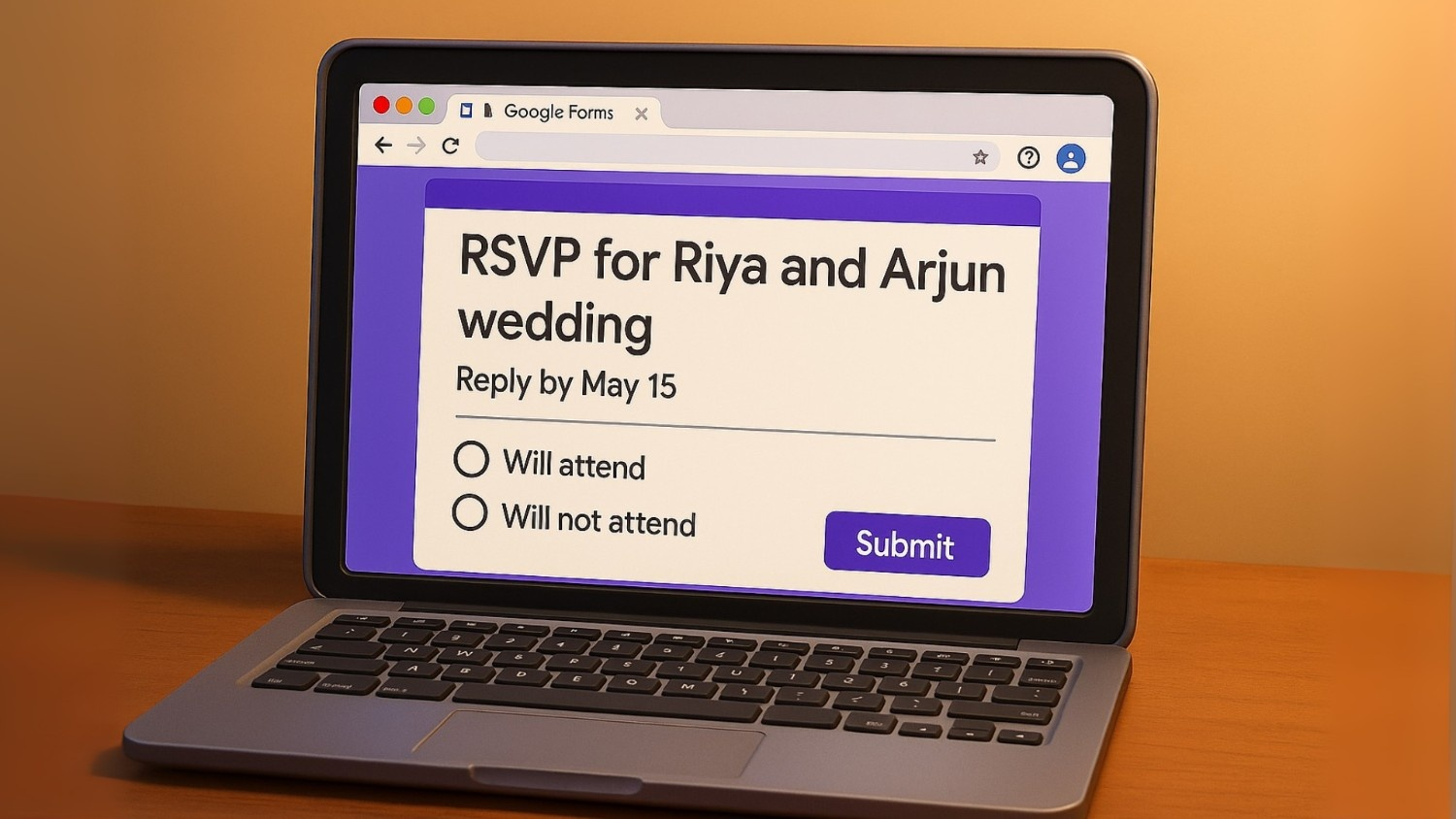
Set a reply-by date. A deadline gives people a reason to act now instead of "later". Put it in the form title and in the WhatsApp message.
Say why it matters. "Please reply by the 20th so we can confirm your room" gets a response. "Please RSVP" does not.
Watch the sheet, not your inbox. Keep the linked Google Sheet open and filter by function to see live counts per event.
Follow up in waves. Send one gentle nudge a week after the invite, and a final one three days before your deadline. Anything more reads as pestering; anything less and half your list won't reply at all.
Where Google Forms Breaks Down: 500 Guests, 5 Events

Everything above works beautifully for a 60-person reception. At Indian wedding scale, the cracks show up fast — and they show up after you've already sent the link to everyone, which is the worst possible time to discover them.
Here's the honest comparison:
| What you need | Google Forms | Wedd.ai |
|---|---|---|
| Chase the 40% who never replied | Manual — export, cross-check, message each one | Automated WhatsApp reminders to non-responders only |
| Know who's coming to which function | One row per person, you filter by hand | Per-event guest lists, live counts |
| Stop duplicate and joke entries | Anyone with the link can submit twice | Replies tied to a verified phone number |
| Reach guests who ignore links | Nothing you can do | Invites delivered on WhatsApp, where they already are |
| Let one uncle RSVP for six people | They submit six times, or you guess | Household grouping built in |
| Give family members visibility | Share the whole sheet, or don't | Role-based access for both sides |
The one that hurts most is the first. Google Forms cannot chase anyone. Around four in ten guests won't reply to the first message, and the only remedy Forms offers is you, personally, opening a spreadsheet, working out who's missing, and typing individual WhatsApp messages — twice, three weeks apart, for 200 people. That is not a data problem you can solve with a better form. It's a follow-up problem, and follow-up is a thing software has to do for you.
The second is nearly as painful. A single "which functions will you attend?" checkbox column looks fine until you need a Mehendi headcount for the caterer by Thursday, and you're building pivot tables at midnight.
When the form isn't enough
RSVPs that chase themselves
Wedd.ai sends your invites on WhatsApp, tracks replies per function, and automatically reminds only the guests who haven't responded. Built for 500-guest, five-event Indian weddings.
Not ready to move off a spreadsheet? That's fine — start with the free template above, and see our comparison of the best online RSVP tools for Indian weddings or the top 10 wedding RSVP apps in India when you outgrow it.
The Short Version
Copy the template, delete the questions you don't need, shorten the link, and send it on WhatsApp with a clear reply-by date. For most weddings, that's a genuinely good RSVP system built in about ten minutes, for free.
Just go in knowing what it does and doesn't do. Google Forms is excellent at collecting answers and completely incapable of chasing them. If your guest list runs past a couple of hundred people across several functions, budget some time for the chasing — or use something that does it for you.
Either way, you're better off than the family still making 300 phone calls.
Frequently Asked Questions (FAQs)
Is this wedding RSVP Google Form template really free?
Yes. Click the copy link, and Google saves a private copy of the form to your own Google Drive. There is no signup, no payment, and no watermark. You own the copy outright and can rename, restyle, or delete any question in it.
What does RSVP mean on a Google Form?
RSVP stands for the French “répondez s’il vous plaît” — “please reply.” On a Google Form it simply means the form is collecting confirmations of who is attending. There is no special RSVP setting in Google Forms; an RSVP form is just a regular form whose questions ask about attendance, guest count, and meal preference.
Can I make an RSVP form in Google Docs instead of Google Forms?
Not usefully. Google Docs is a word processor — it can hold a printable RSVP card, but it cannot collect or tally replies. Google Forms is the tool that actually collects responses and writes them into a Google Sheet automatically. People often say “Google Docs RSVP” when they mean Google Forms, because Forms lives inside the Google Docs suite.
How do I create an RSVP link to share with guests?
Open your form, click Send, then choose the link icon. Tick “Shorten URL” to get a tidy forms.gle/… address. That short link is your RSVP link — paste it into WhatsApp, print it as a QR code on your invitation card, or add it to your wedding website.
Can I collect payments using Google Forms for RSVPs?
No — Google Forms doesn’t support payment collection natively.
How can I limit the number of responses to my RSVP form?
There’s no automatic limit feature. You’ll need to manually turn off form responses once your guest list reaches the desired count.
Is it possible to include a plus-one option in Google Forms?
Yes — simply add a number-type question like “How many guests will be attending with you?” and use response validation to cap how many plus-ones are allowed. The template above already includes this question.
Can I send reminders to guests who haven’t responded yet?
Not automatically. You must export responses, identify non-respondents, and send reminders manually. This is the single biggest reason large weddings outgrow Google Forms.
How do I implement conditional logic (branching) in Google Forms for RSVPs?
Google Forms supports sections with branching. Ask “Are you attending?” with Yes / No options, then use the question’s 3-dot menu to choose “Go to section based on answer.” Send “Yes” to detailed questions such as guest count and meal choice, and “No” to a short thank-you message. This makes the form cleaner and avoids guests filling in irrelevant fields.