
English, Hindi or both · 8 styles · Free
Wedding Logo Maker: Make Your Shadi Card Logo from Your Initials
Type your initials. Pick English, Hindi or both. Choose a style, and get your wedding logo design. Use it on your cards, WhatsApp DP and function signs. One logo a day is free.
Free tool
Make Your Wedding Logo
Free. No signup. One logo a day.
How it works
How to Create a Logo for Your Wedding
You don't need a designer or any design app. Three steps, and your wedding logo design is ready.
- Step 1
Type your initials
Use the first letter of each name, like A for Ananya and S for Sahil. Pick English, Hindi, or one of each.
- Step 2
Pick a style
Choose the look that fits your shaadi: flowers, royal, beach, hills, or your own love story.
- Step 3
Make and download
Tap Make our logo. Download the PNG and use it on your card, WhatsApp and decor.
Design ideas
Wedding Logo Design Ideas for Indian Couples
A good couple logo design is simple, and it says something about the two of you. Here are a few marriage logo design ideas to start with.
Initials with flowers
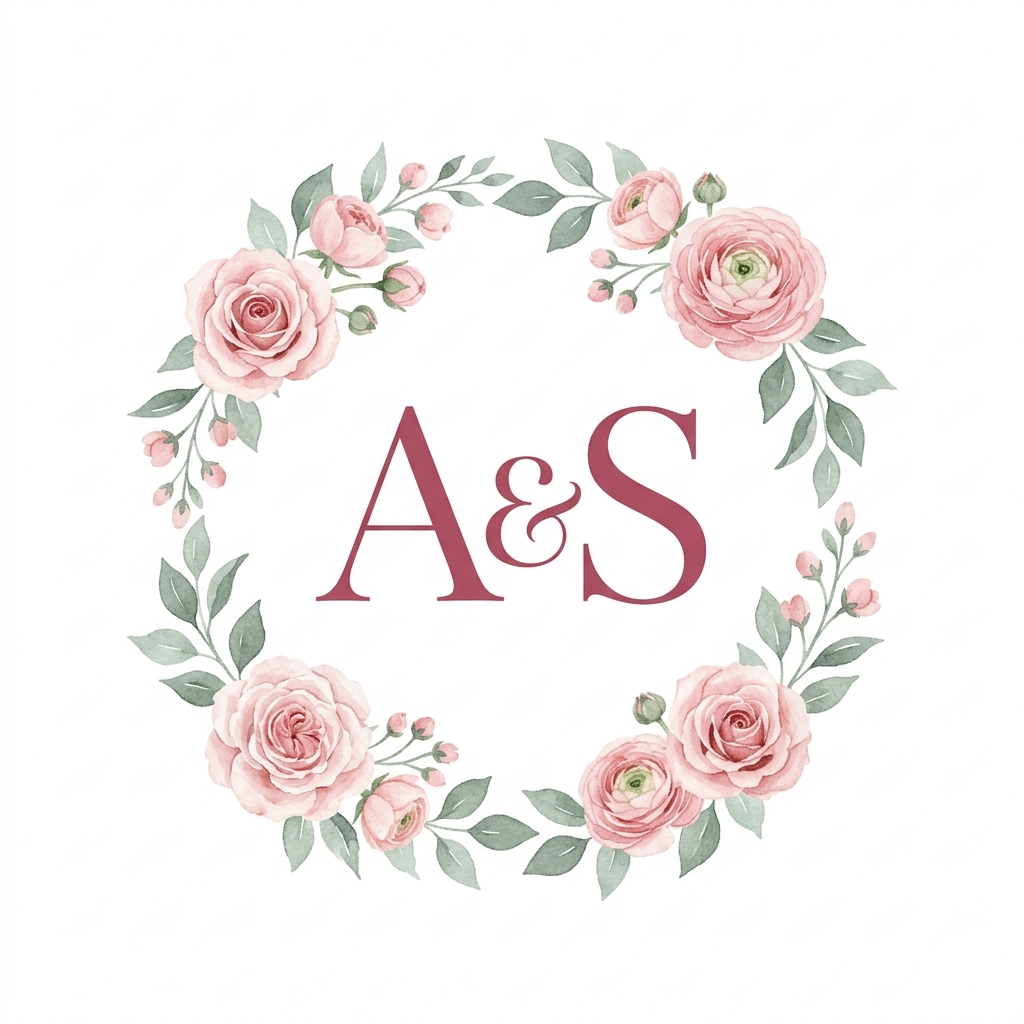
Your initials inside a soft wreath of flowers. Classic, and easy to print. Try Floral Wreath.
A royal Rajasthani look
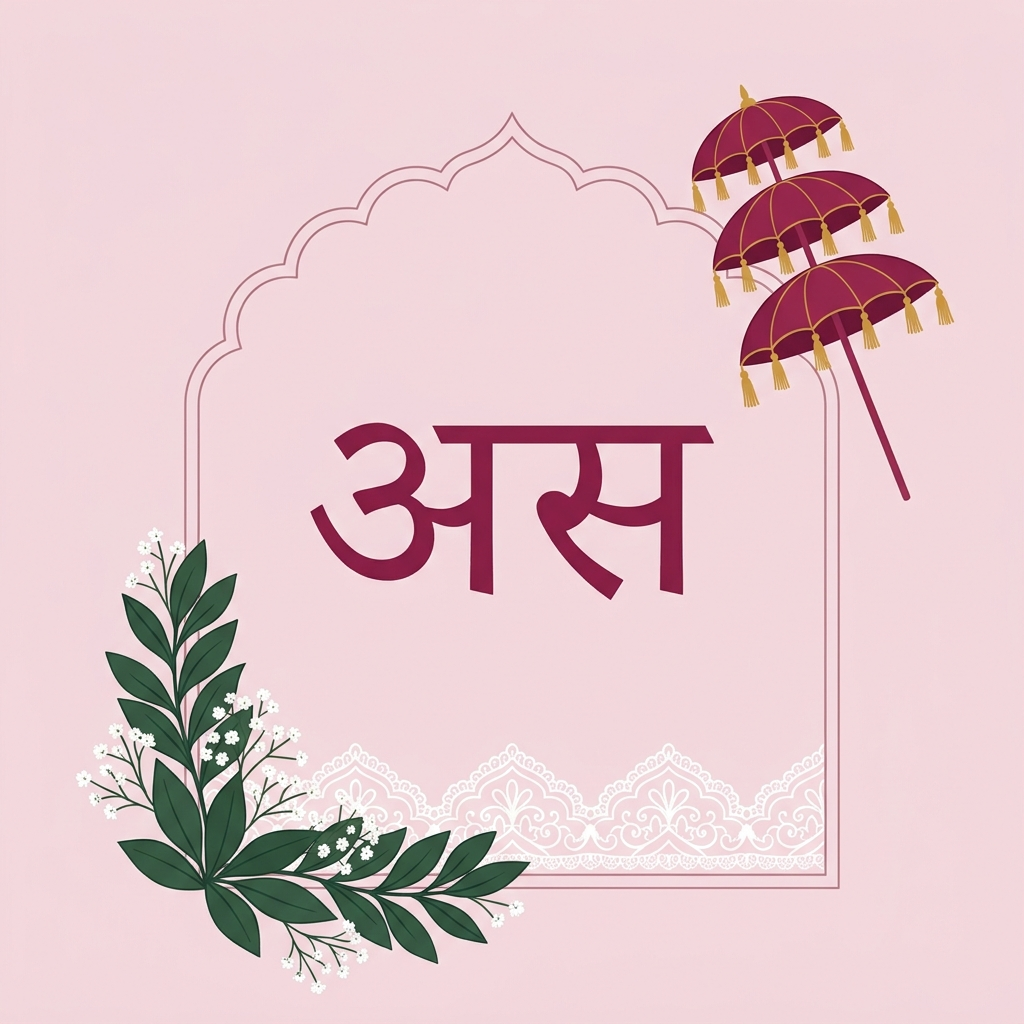
A jharokha window around your initials, for a palace wedding or a grand sangeet. Try Jharokha.
Hindi initials
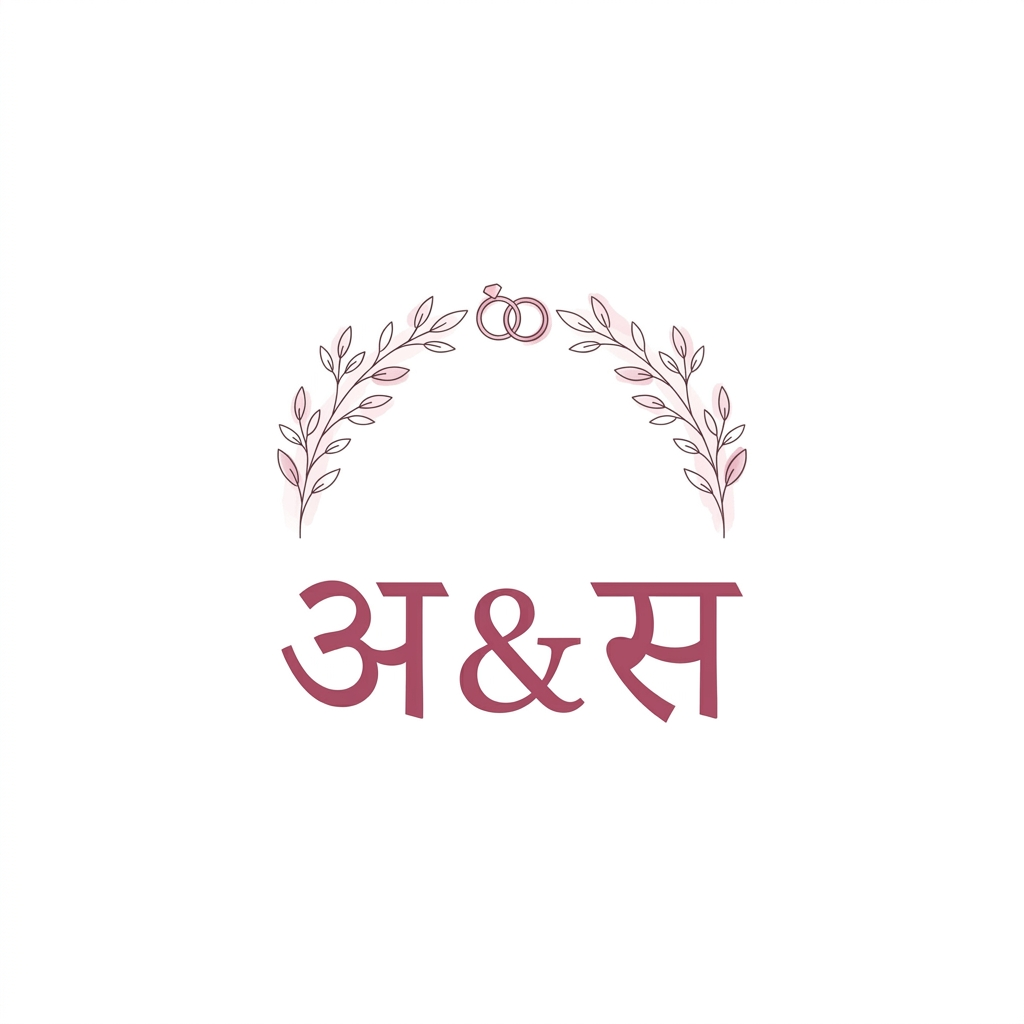
Your initials in Hindi, like अ & स. It feels close to home on a Hindi shaadi card.
One Hindi, one English letter
Join both into one mark, like अS. A sweet touch when the two families speak different languages.
A destination wedding logo
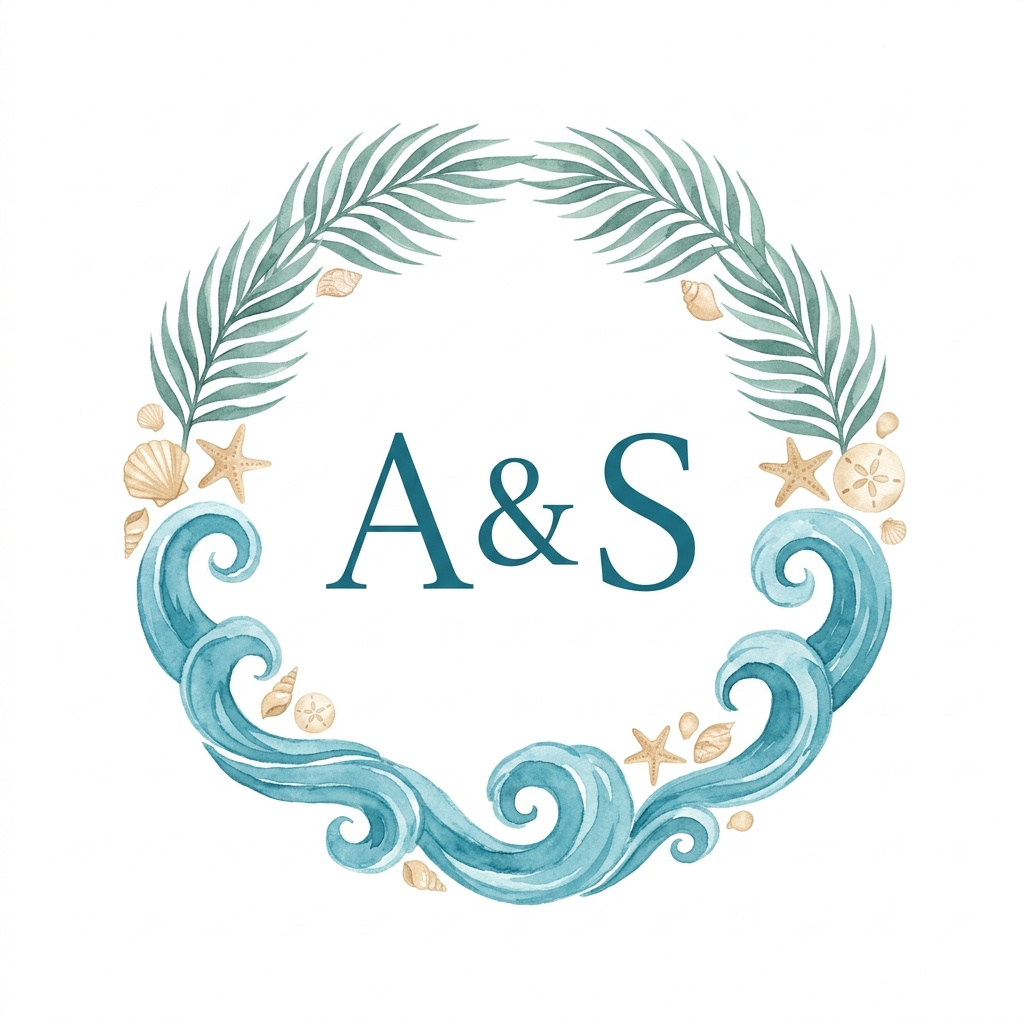
Waves for a Goa wedding, hills for a mountain venue. Pick Beach or Mountains to match.
Your love story
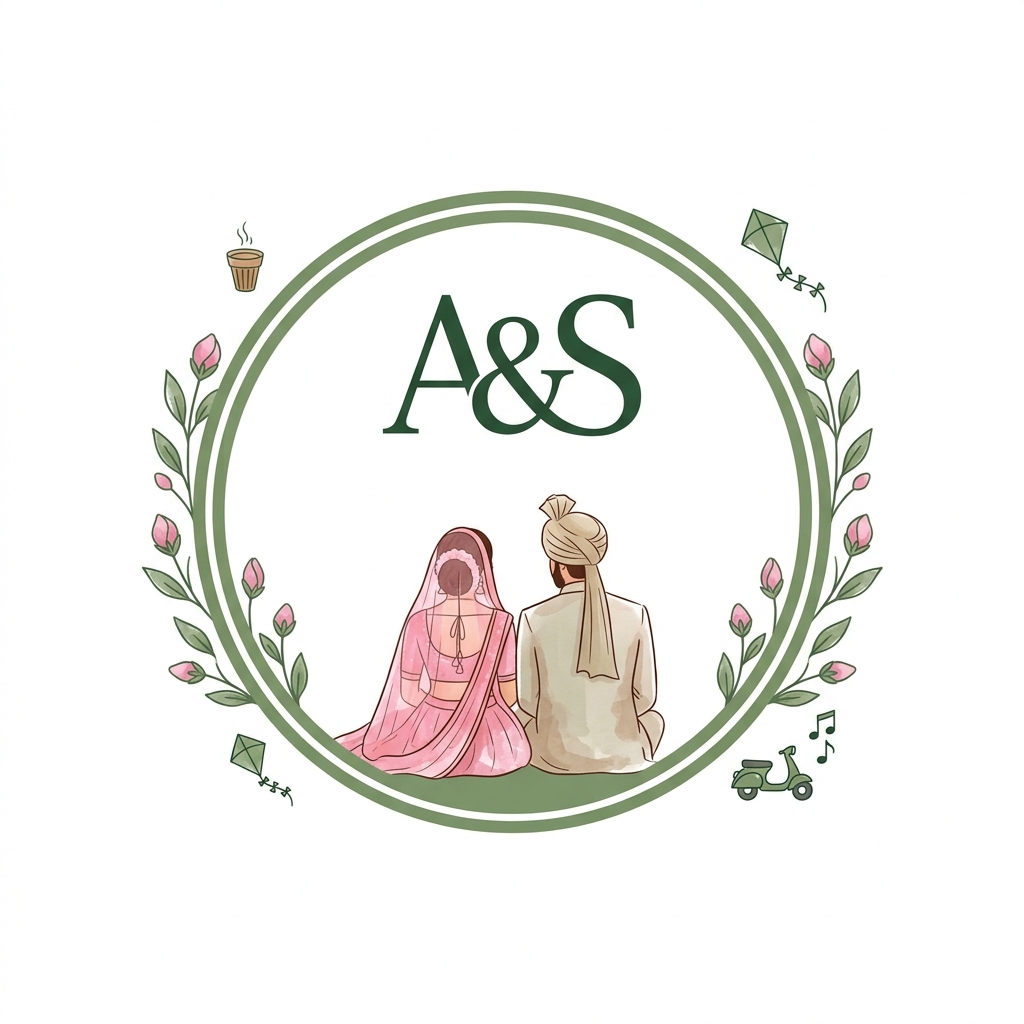
Small things only you two know, like the chai stall where you met. Try Our Story.
Styles
Pick a Style for Each Function
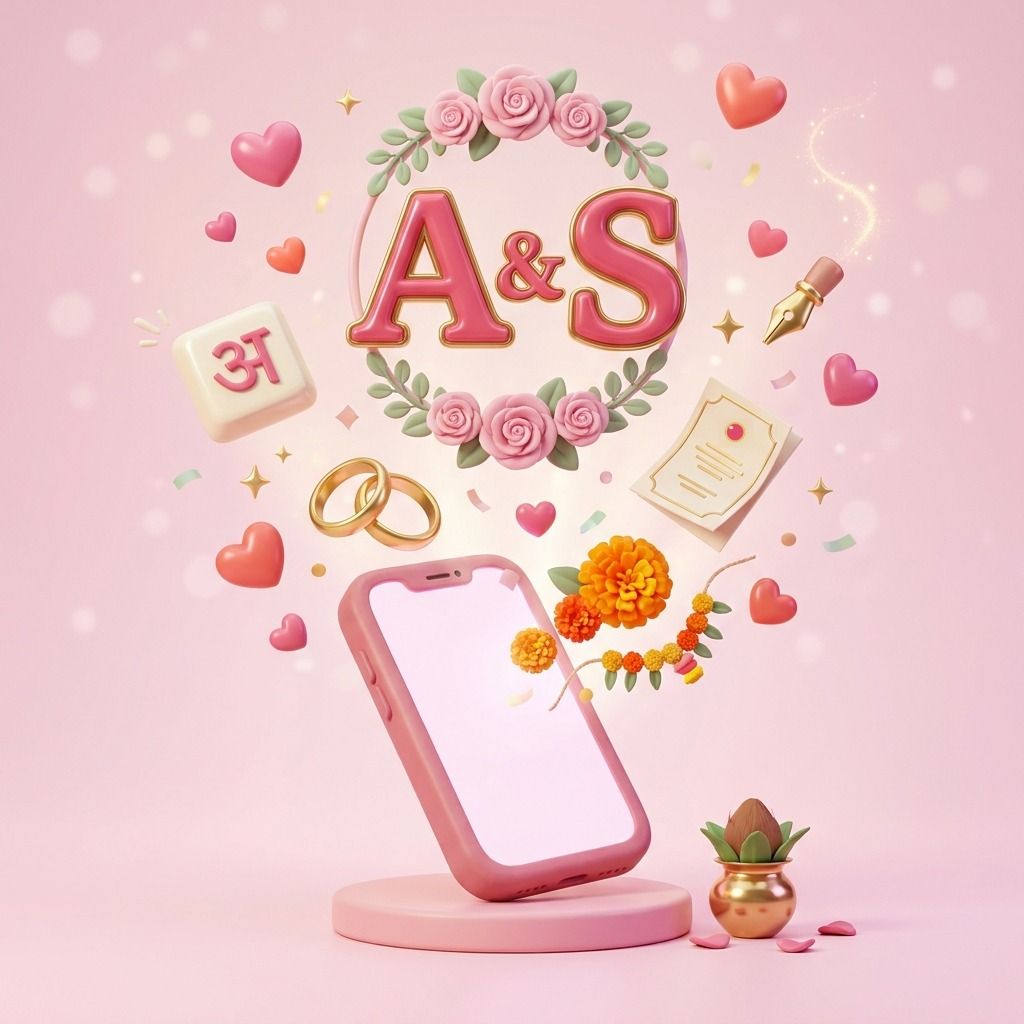
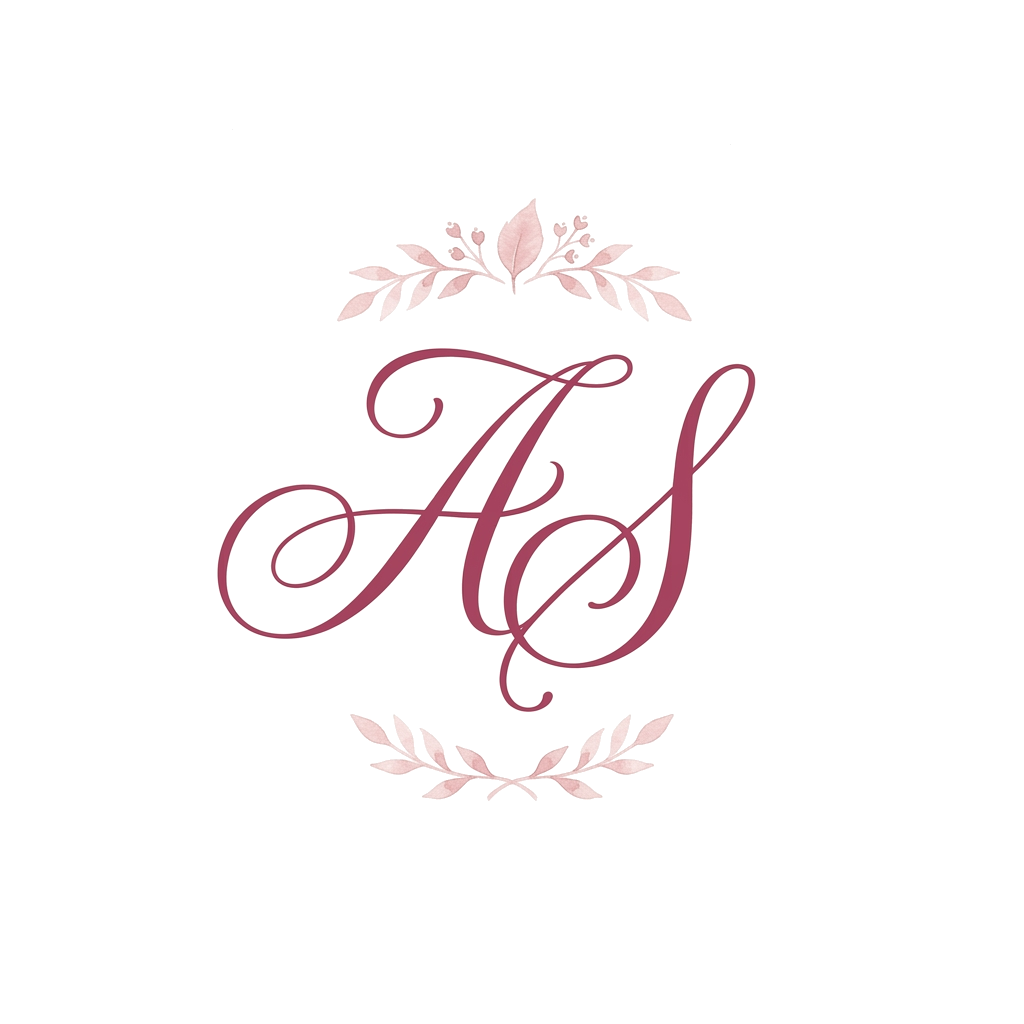
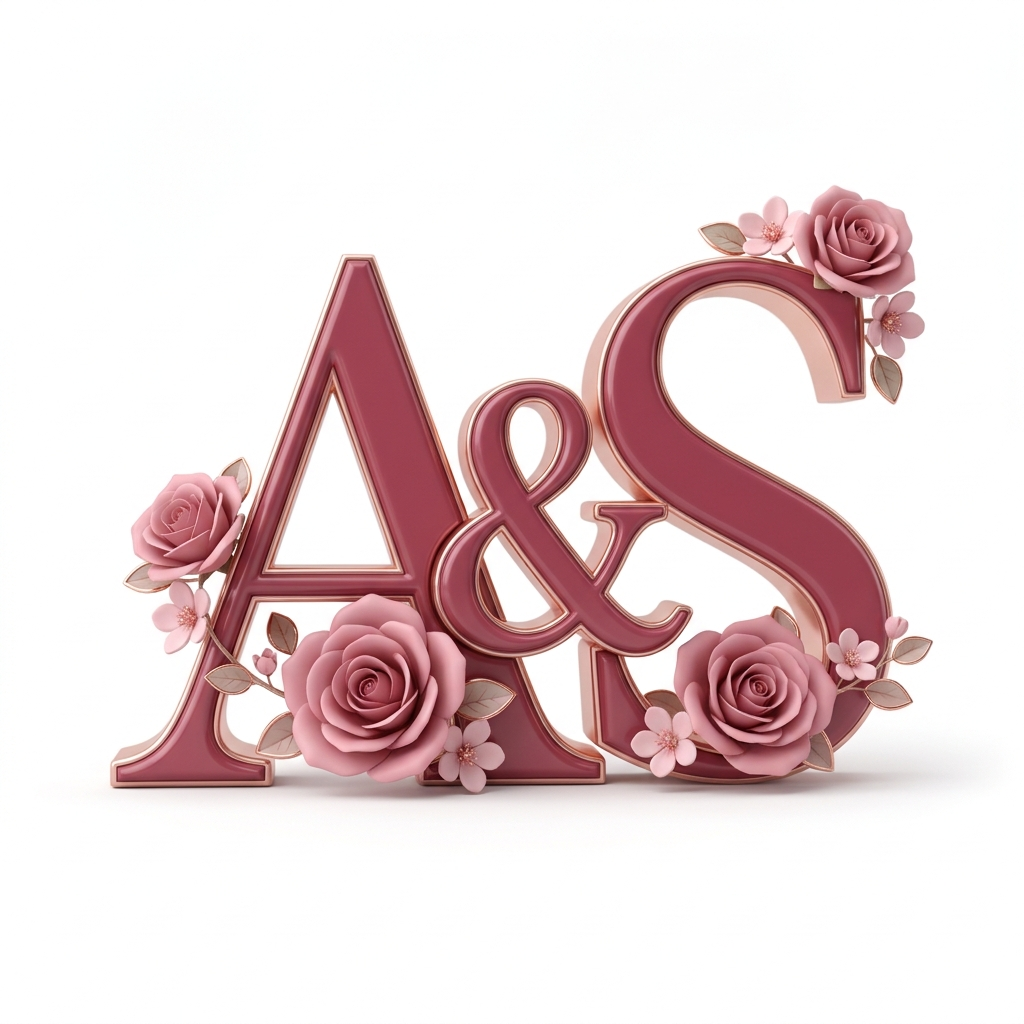
Floral Wreath and Line Art are soft and simple, good for a haldi or mehendi. Jharokha feels royal, great for a sangeet. Beach is for a Goa wedding, and Mountains for the hills. 3D Glossy stands out on a reception stage. Our Story is the most personal: add small things from your story, like a chai cup or a kite.

Uses
Where to Use Your Wedding Logo
Shaadi cards and e-invites
Put it at the top of your shaadi card and every e-invite, so they all match.
WhatsApp DP and group photo
Use it as your wedding group photo. Guests will spot your messages quickly.
Welcome boards and signs
Add it to the welcome board, the function signs and the photo booth.
With your wedding hashtag
Show it with your hashtag on posts, so guests know which tag to use.
Shadi card logo
What Is a Shadi Card Logo?
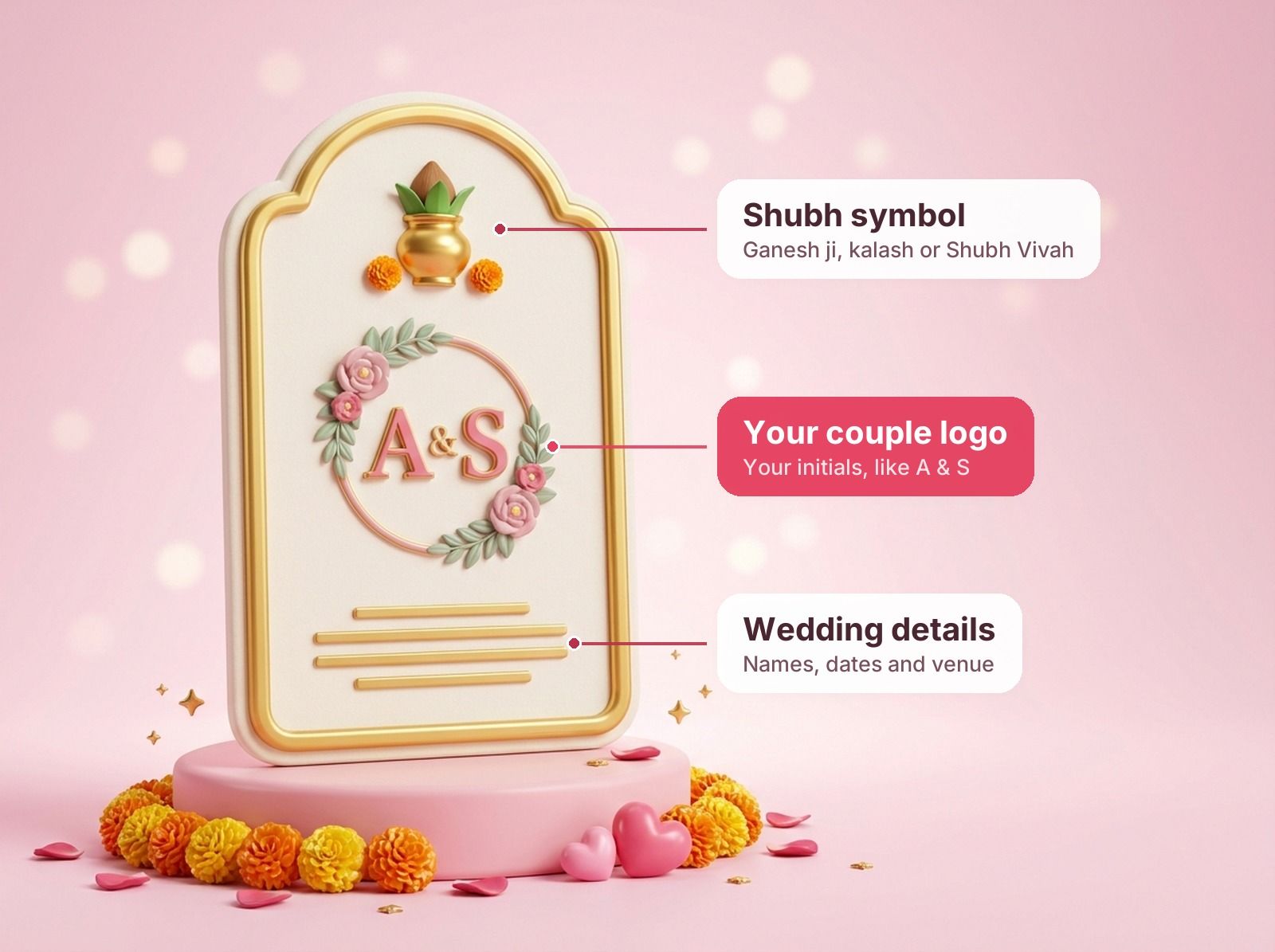
A shadi card logo (or sadi card logo) is the couple logo printed on your wedding card: your initials, made into one design. Many marriage cards also carry a shubh symbol at the top. Here is what usually goes on the card.
Couple initials logo
Your two initials made into one design. This is what most people mean by a shadi card logo. It is only yours, and it goes on the card, WhatsApp and decor. This is the one our tool makes.
Ganesh ji logo
Many Hindu families print Ganesh ji at the very top of the card, to start the shaadi on a good note.
Shubh Vivah logo
The words शुभ विवाह (Shubh Vivah) mean "auspicious wedding". They are often written in a fancy Hindi style near the top.
Kalash and swastik
A kalash with mango leaves and a coconut, or a swastik, are shubh symbols many families add to the card.
Families of other faiths use their own symbols too. Sikh wedding cards often carry Ik Onkar, and many Muslim cards begin with Bismillah. Your couple logo sits well with any of them.
Print tips
Shadi Card Logo Design: Simple Tips
Six quick tips before you print.
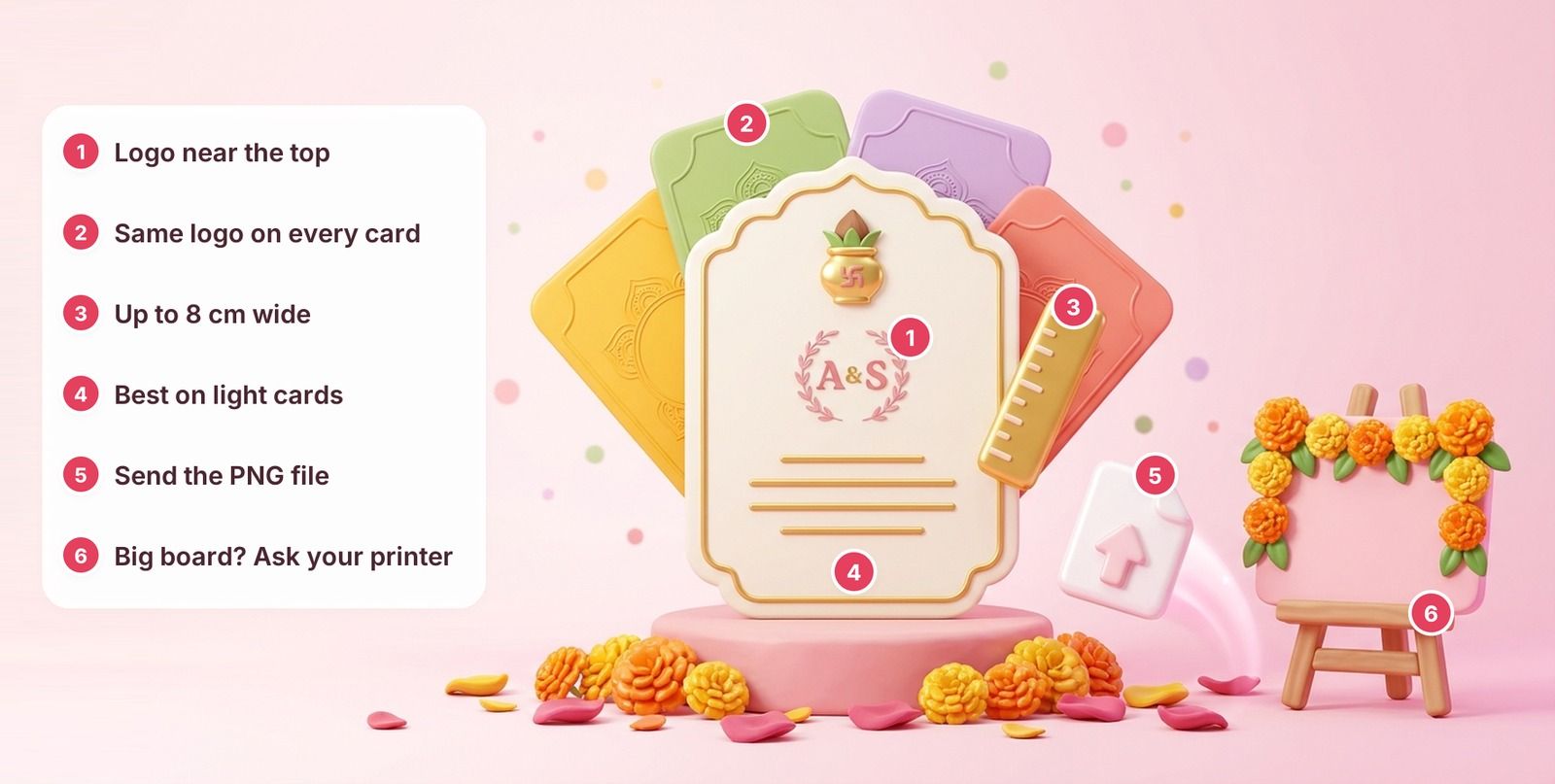
- 1 Logo near the top Just under Ganesh ji or Shubh Vivah, if your card has them.
- 2 Same logo on every card Haldi, mehendi, sangeet, wedding and reception.
- 3 Up to 8 cm wide It prints sharp at that size.
- 4 Best on light cards Most styles have a white background.
- 5 Send the PNG file Give your printer the file, not a screenshot.
- 6 Big board? Ask your printer Have them check the file first.
More help: Indian wedding invitation ideas · Hindi wedding invitation messages
Hindi or English
Wedding Logo in Hindi, English or Both
All 8 styles work with all three.
A & S
English
Both letters in English.
अ & स
Hindi
Both letters in Hindi.
अS
Hindi + English
One of each, joined in one mark.
No Hindi keyboard needed. Type A, then pick अ or आ from the list.
Initials or names
Couple Name Logo or Wedding Initials Logo?
Why this tool sticks to initials.
This tool
Wedding initials logo
- Letters come out right
- Clean and easy to read
- Looks good small, even as a WhatsApp DP
Not here
Couple name logo
- AI often misspells longer words
- Want your names? Add them on the card, under the logo
Free or designer
Free Wedding Logo Design or a Designer?
Many couples start here, then decide if they need more.
Free AI wedding logo
- Ready in a minute or two
- Try styles and see what you like
- One free logo a day
A designer
- Small changes made for you
- Your full names added
- Files in many sizes
Next step
Pair It with Your Wedding Hashtag
Use your logo and hashtag together on invites, WhatsApp and Instagram.
Frequently Asked Questions (FAQs)
How do I create a logo for my wedding?
Type your two initials. Pick English, Hindi or both. Pick a style. Tap Make our logo, then download it.
Can I make a wedding logo in Hindi?
Yes. Type the English letter, then pick the Hindi letter from the list. For example, A gives अ or आ, and S gives स or श. You can make both letters Hindi, or one Hindi and one English.
Is this wedding logo maker free?
Yes. You get one free logo a day. Want more? Make a free Wedd.ai account and get 10 more. Or come back after 24 hours.
What is a wedding monogram?
It is the couple's initials made into one design. You can put it on your cards, decor and posts, so everything matches.
What is the difference between a wedding logo and a wedding monogram?
They are almost the same. A monogram is made from your initials. Many Indian couples just call it a wedding logo.
What size is the wedding logo?
Every logo is a square PNG image, 1024 x 1024 pixels. That prints sharp on a card up to about 8 cm wide. For a big board or banner, ask your printer to check the file first.
Can I use our wedding logo on the shaadi card?
Yes. Download the logo and add it to your wedding card design, at the top of the card or on the envelope. It also works on e-invites and WhatsApp invites.
What is a shadi card logo?
Most of the time it means the couple logo: your two initials made into one design and printed on the wedding card. People also spell it sadi card logo or shaadi card logo, and some call it a wedding card logo or marriage card logo. This tool makes one for free.
Where can I use our wedding logo?
On your wedding cards and e-invites. As your WhatsApp DP or group photo. On welcome boards, and on haldi, mehendi and sangeet signs.
Is this an AI wedding logo maker?
Yes. AI draws your logo from your initials and the style you pick. A second AI check then reads the letters. If it is not sure they are right, we tell you.
Can I make a Shubh Vivah logo or a Ganesh ji logo here?
Not with this tool. It makes couple logos from your initials. Many families print Ganesh ji or Shubh Vivah at the top of the shaadi card and the couple logo below it, so the two work well together.
Can I make a couple name logo with our full names?
Not yet. The tool makes logos from initials only, because AI often misspells longer words. You can add your names on the card, just under the logo.
Does the logo have a transparent background?
No. Most styles come on a white background, and Jharokha comes on pale pink. It looks best on white or light cards and screens.
Can I change the colours of my logo?
Each style comes with its own colours. For a different look, try another style. You get one free logo a day, and 10 more with a free Wedd.ai account.
Free Tools
Start Planning Today. It's on Us.
No signup, no cost. Start planning today.
-
Wedding Budget Calculator
Split your marriage budget by category, then track every rupee in a free Google Sheet.
Plan your budget -
Guest List Template
RSVPs, outstation arrivals and every function in one ready-made sheet.
Get the template -
WhatsApp Invitation Messages
Personalised invite messages in English, Hindi and your regional language.
Write my invite -
Wedding Hashtag Generator
Unique, catchy hashtags made from your names in seconds.
Find our hashtag -
Wedding Date Finder
Find auspicious shubh muhurat dates for your shaadi.
Find a date
Start Planning on Wedd.ai
Wedding planning is fun. Don't let Excel sheets and WhatsApp groups ruin it.
Basic is free for 2 weeks, no card needed. Pro offer valid for the first 200 weddings.