
WhatsApp Broadcasts
WhatsApp vs WhatsApp Business vs the API — Which One Does Your Wedding Need?
There are three WhatsApps — the personal app, the free Business app, and the Business API. Here's what each one does, which one you install, and how coexistence links them for your wedding.
By Wedd.ai Team · Updated August 19, 2026
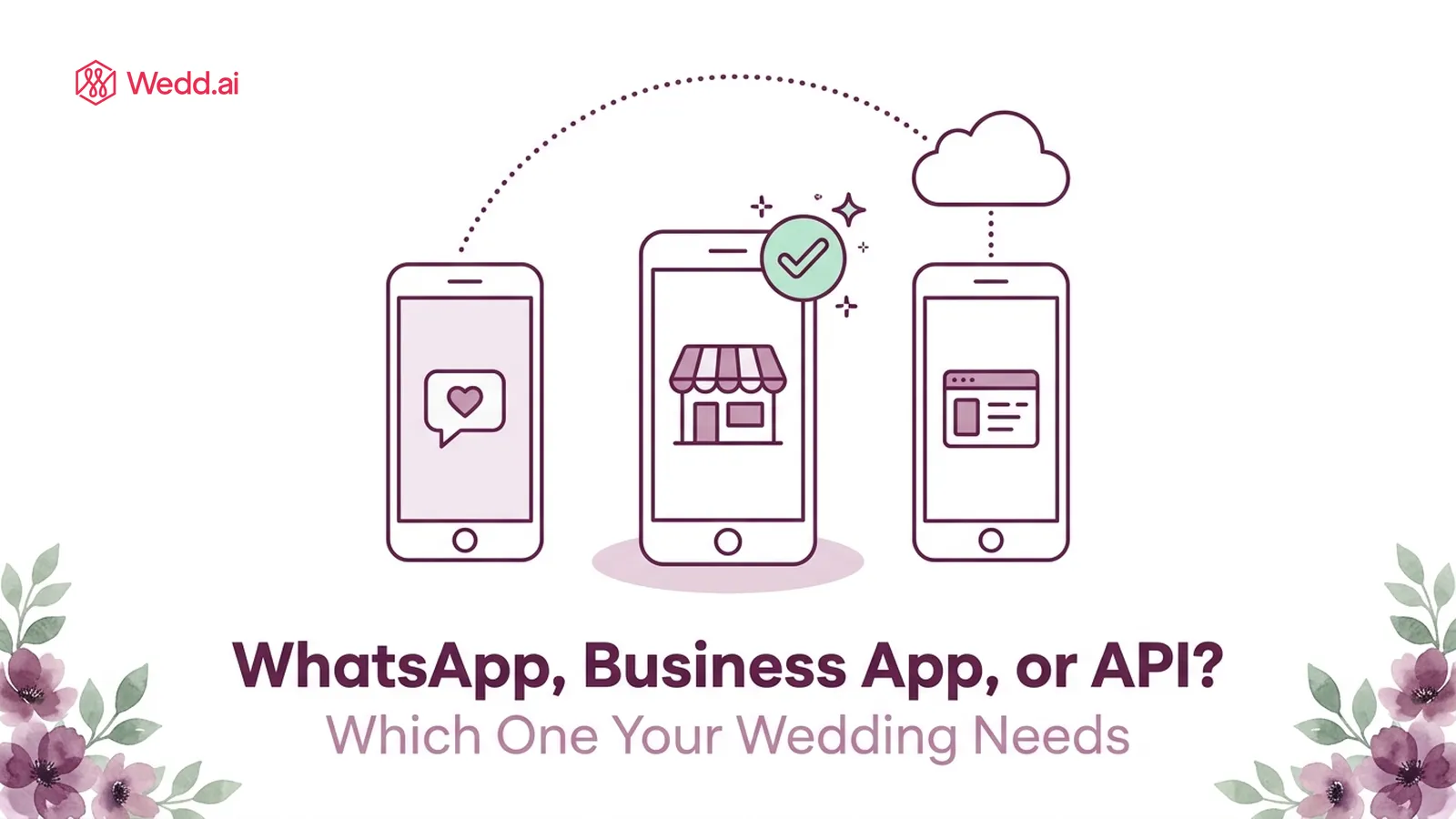
Quick answer: There are three WhatsApps: the personal app, the free WhatsApp Business app, and the WhatsApp Business API. For Wedd.ai you need exactly one thing on your phone — the free WhatsApp Business app. Coexistence then connects that same number to the API in the cloud, which is what sends your invitations at scale. You never install or see the API itself.
If the three names blur together, this page untangles them in two minutes — and tells you which one you actually touch.
What are the three WhatsApps?
| What it is | Who it’s for | Cost | Your wedding uses it for | |
|---|---|---|---|---|
| WhatsApp (personal) | The everyday chat app | Everyone | Free | Nothing — it can’t join coexistence |
| WhatsApp Business app | A free app variant with a business profile | Small businesses, hosts | Free | The one on your phone — your chats, plus the coexistence connection |
| WhatsApp Business API | Cloud infrastructure for messaging at scale — no app, no interface | Platforms and large senders | Free to connect; Meta charges per message | Sending invitations, reminders, and RSVPs to your full guest list |
What’s the difference between WhatsApp and WhatsApp Business?
Surprisingly little, day to day — and that’s the point. The WhatsApp Business app chats, calls, and backs up exactly like personal WhatsApp. What it adds is a thin business layer: a profile with a name and description, labels for organising chats, optional greeting and away messages, and — the part that matters here — the ability to join coexistence.
Moving your number from personal WhatsApp to the Business app takes a few minutes, keeps every chat, group, and photo, and is fully reversible. Guests notice almost nothing; messages still arrive from your number with your name and photo.
What is the WhatsApp Business API — and will I ever see it?
The API is the third WhatsApp almost nobody has seen, because it has no app and no screen. It’s Meta’s cloud channel for sending messages at volume: approved templates, published daily limits that grow from 250 conversations a day to 100,000, and delivery to any WhatsApp number whether or not the guest saved yours.
You never interact with it directly. Your Wedd.ai dashboard is the interface — you write an invitation, pick the guest list, and the API does the delivery underneath. If you’ve ever used an app that “posts to Instagram for you”, it’s the same idea: infrastructure behind a friendlier front.
You do see its output, though: every message the API sends shows up in your WhatsApp Business app, inside the same chat thread with that guest, as if you’d typed it yourself.
How does one number use two of them at once?
That’s WhatsApp coexistence — the Meta feature Wedd.ai is built on. Your number lives in the Business app on your phone and on the API in the cloud, simultaneously:
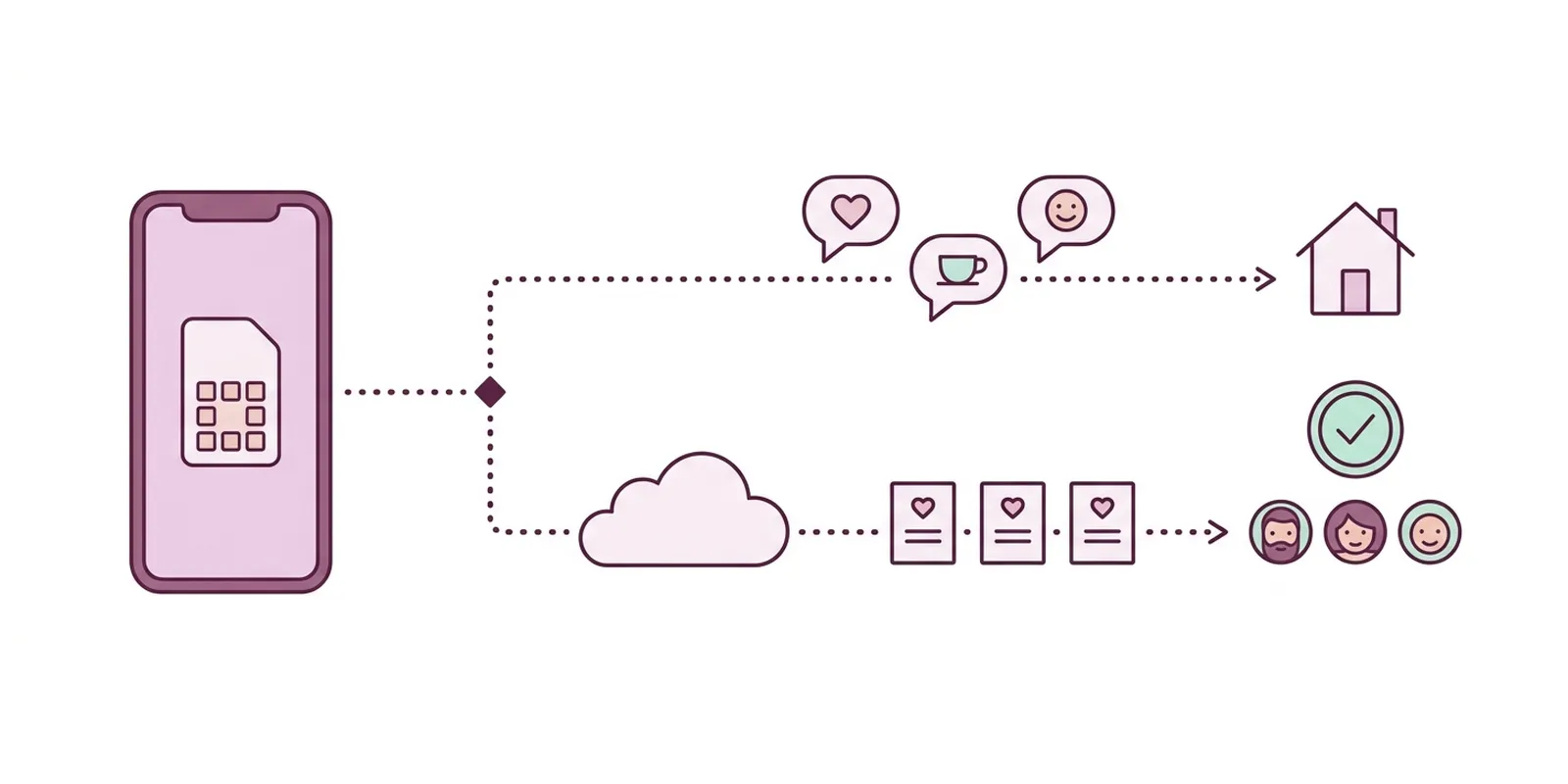
- App side: your chats, calls, voice notes — untouched, yours.
- API side: the wedding — bulk invitations, automatic RSVP collection, scheduled reminders, all from the same number.
And crucially, the two sides stay in sync. Invitations and reminders sent from the dashboard through the API also appear in the Business app on your phone, in the same chat thread with each guest — and guest replies land in both places. So you can closely monitor all of the wedding’s WhatsApp communication from the one app you already open every day; there’s no second app to keep checking.
Connecting takes a five-minute QR scan.
Can I use WhatsApp and WhatsApp Business on the same number?
Not as two apps — a number lives in one app at a time, so installing the Business app moves the number (with all its chats) rather than duplicating it. What coexistence adds is different: the same number on the Business app and the Business API together. So the practical answer for your wedding is: one number, one app on your phone, plus the invisible API lane behind it.
So which one do I need?
Just this:
- Put your number on the free WhatsApp Business app (skip if it’s already there).
- Connect it to Wedd.ai — the QR scan links the API side.
- That’s the whole stack. Chat with guests in the app like always; send at scale from the dashboard.
You never need the personal app for the wedding, and you never install anything for the API.
Frequently Asked Questions (FAQs)
Is the WhatsApp Business app paid?
No — the app is completely free, from the Play Store or App Store. Don't confuse it with the API's per-message fees, which apply only to bulk sends and are covered in our guide to what WhatsApp messaging costs.
Will guests see that I'm using a "business" account?
Chats show your name and photo as usual. WhatsApp may show a small note that you're chatting with a business account, which guests overwhelmingly ignore. If you later add a verified profile, that appears too.
Do I have to check two apps to follow my messages?
No — one number means one place to look. API-sent messages appear in your WhatsApp Business app chats alongside everything else, and guest replies show up both on your phone and in the dashboard. Day to day, the app on your phone is enough to monitor everything; the dashboard adds the organised layer on top — guest lists, RSVP tallies, and scheduled sends.
Do I need a new SIM or second number for any of this?
No. The entire point of coexistence is using the number you already have — the one your guests recognise. No new SIM, no virtual number.
What happens after the wedding?
Disconnect Wedd.ai whenever you like. Your number keeps living in the WhatsApp Business app with every chat intact — and if you want, you can move it back to personal WhatsApp, which also keeps your chats.
Does the API side cost money?
Connecting is free. Meta charges per delivered template message — ₹0.8631 for marketing and ₹0.1150 for utility in India, plus 18% GST. See our full breakdown of WhatsApp messaging costs for Meta's official rate links.