
WhatsApp Broadcasts
What Is a WhatsApp Business Number? (No New SIM Needed)
A WhatsApp Business number is just a normal phone number registered on the free WhatsApp Business app — almost certainly the one already in your pocket. Here's why you don't need a new SIM or a virtual number, and how to move your existing number across without losing chats.
By Wedd.ai Team · Updated August 24, 2026
Quick answer: A WhatsApp Business number is just a normal phone number registered on the WhatsApp Business app. For Wedd.ai, that number is the one already in your phone — the mobile your guests have saved. You don’t need a new SIM, a virtual number, or a second handset. Move your existing number to the free WhatsApp Business app (chats come with it), then connect it to Wedd.ai with a QR scan.
If you’ve been searching for a “virtual number for WhatsApp Business” before starting, stop — it would make things worse, not better. Here’s why.
What counts as a WhatsApp Business number?
Any phone number that can receive an SMS or a voice call can become a WhatsApp Business number. There is no special “business” number type, no application, and nothing to buy. You install the free WhatsApp Business app, register a number in it, and that number is now a WhatsApp Business number.
For a wedding, the best candidate is obvious: the number your family already knows, the one that’s on the invitation card, the one guests will message back on. That is the number Wedd.ai connects through WhatsApp coexistence — the same number on your phone and on the wedding dashboard at once.
Can I use my existing phone number, or do I need a virtual number?
Use your existing number. It’s the better choice on every count:
- Guests recognise it. Invitations arriving from an unknown number get ignored or reported; from your number they get opened.
- Nothing to manage. No second phone to charge, no forwarding, no extra bill.
- Fewer ban risks. WhatsApp is suspicious of newly created, rarely used numbers that suddenly message hundreds of people. A number with years of normal history is the safest sender you have.
- Coexistence needs the Business app on a phone. A “virtual” number that only exists in a web dashboard can’t sit in the app on your handset, so it can’t be the coexistence number.
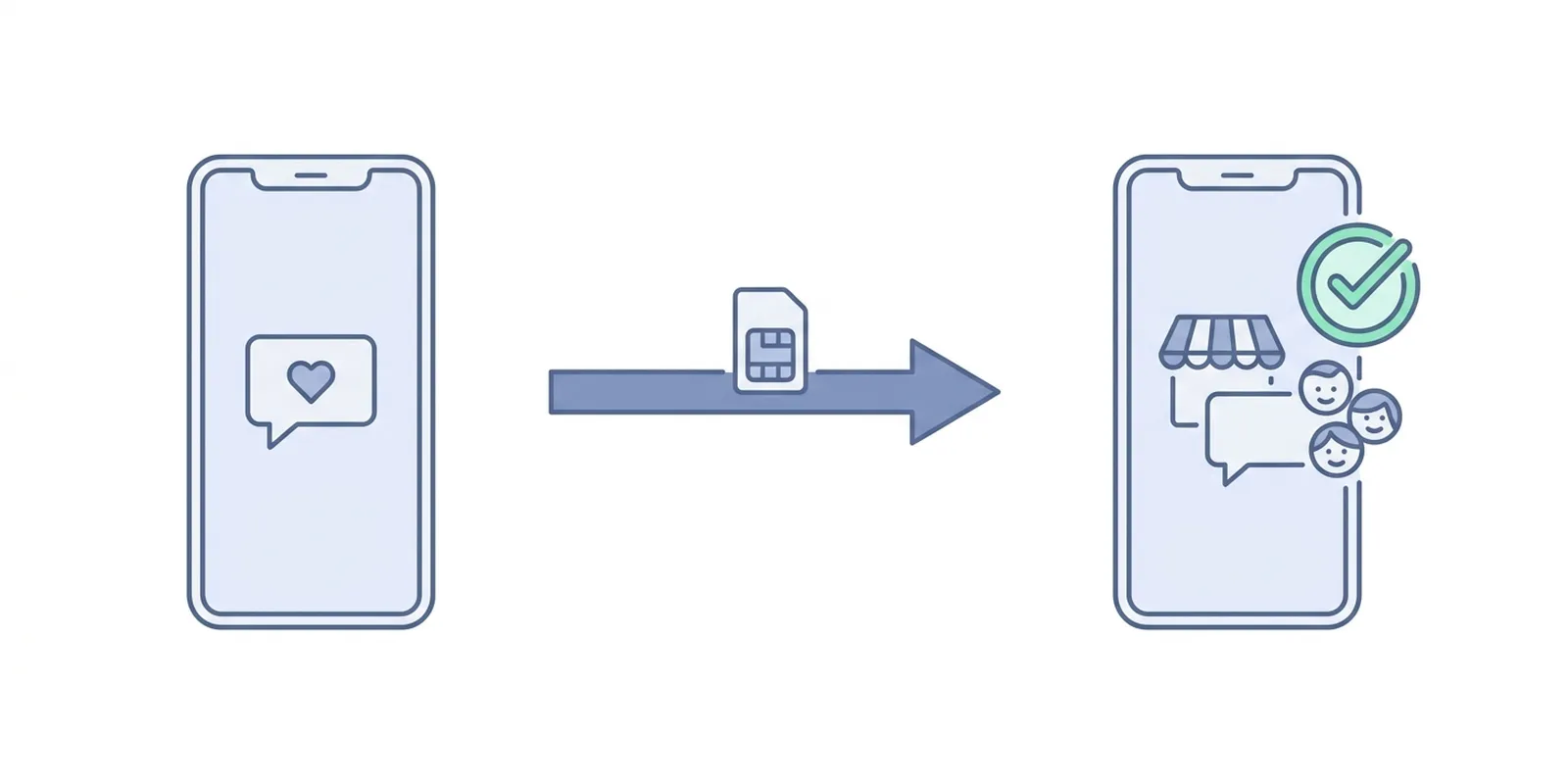
How do I move my number to the WhatsApp Business app?
The switch is an official, in-app flow, and it carries your history across. Five steps, about ten minutes:
- Back up your chats. In WhatsApp Messenger, go to Settings → Chats → Chat Backup and tap Back Up Now — Google Drive on Android, iCloud on iPhone. Don’t skip this; the restore in step 4 reads from it.
- Check you can receive a code. You’ll verify the same number again, so make sure the SIM is in the phone and can take an SMS or a call.
- Install the WhatsApp Business app from the Play Store or App Store. Keep WhatsApp Messenger installed for now — don’t delete it until the move is done.
- Open the Business app and verify the same number. It detects your existing backup and offers to restore it. Accept, and your chats, media, and groups come across.
- Set your business profile. Give it the name guests should see (“Mehta Wedding”), and you’re done.
Guests see no change — your name, photo, and number stay the same. WhatsApp may add a small note that they’re chatting with a business account, which nobody reads twice. Moving back to WhatsApp Messenger later is supported the same way.
Two rules to know:
- One number, one app. A number can be on WhatsApp Messenger or the WhatsApp Business app, not both. The move switches it; it doesn’t duplicate it.
- Same phone, two numbers is fine. If you want a personal number and a wedding number on one handset, a dual-SIM phone can run Messenger on one and the Business app on the other.
Once the number is in the Business app, connecting it to Wedd.ai is a five-minute QR scan.
Does WhatsApp Business work with virtual or VoIP numbers?
Mostly no, and never reliably. WhatsApp’s registration rules for the Business app exclude VoIP services, toll-free numbers, premium-rate numbers, universal access numbers, and landline extensions — and its systems routinely flag numbers from disposable-number apps. Some “virtual number for WhatsApp Business” services do get through registration, then get blocked weeks later, often right after the number starts sending in volume. For a wedding, that means the week the invitations go out.
(Toll-free numbers are a partial exception: large businesses can register them on the WhatsApp Business Platform directly, provided the number can accept international calls and route the code to a person. That’s an enterprise path, not a wedding one, and it doesn’t work with the Business app or with coexistence.)
If your search was really “I don’t want to use my personal number”, the practical fix is a second ordinary SIM in a dual-SIM phone, not a virtual number. But for most couples and parents, the personal number is the right wedding number — guests are replying to you, not to a call centre.
Can I use a landline for my WhatsApp Business number?
Yes, if it’s a plain landline without an extension. During registration, wait for the SMS timer to run out and choose the Call me option — WhatsApp reads the code out over a voice call. For coexistence the number still has to live in the Business app on a phone, so you’d register the landline number on that phone’s app. Most hosts don’t bother; the mobile in your pocket is simpler.
How does Wedd.ai use my number?
Wedd.ai, a Meta tech provider for WhatsApp coexistence, connects the number in your WhatsApp Business app to the WhatsApp Business Platform in the cloud — without moving it anywhere. Your phone keeps working exactly as before; the dashboard gains the ability to send invitations, reminders, and RSVP requests to your full guest list from that same number. Every message it sends shows up in your app’s chat threads too, so you monitor everything from one place.
Meta charges per delivered template message for the bulk sends, and nothing at all for the connection. If the difference between the app, the platform, and personal WhatsApp is still fuzzy, this comparison untangles the three in two minutes.
Frequently Asked Questions (FAQs)
Do I need to buy a WhatsApp Business number?
No. There's nothing to buy — any SIM you already own becomes a WhatsApp Business number the moment you register it in the free WhatsApp Business app. Anyone selling "WhatsApp Business numbers" is selling virtual numbers, which WhatsApp doesn't reliably accept.
Is a WhatsApp Business number free?
Yes. The app is free and registering a number in it is free. The only WhatsApp charges in the whole setup are Meta's per-message fees on bulk template sends, and those are the same whichever number you use.
Can I use my personal number for WhatsApp Business?
Yes, and for a wedding it's the better choice. Moving your personal number to the WhatsApp Business app keeps your chats, your name, and your photo — it just adds a business profile. Guests recognise the number, so invitations get opened instead of reported.
Can I have two WhatsApp accounts on one phone?
Yes, with two numbers. A single number can be on WhatsApp Messenger or the WhatsApp Business app, but never both at once. On a dual-SIM phone you can run Messenger on your personal number and the Business app on your wedding number side by side. Recent versions of WhatsApp also let you add a second account inside one app, again using a second number.
Can I use one number on two phones?
Yes — the Business app lets you link up to four companion devices (a tablet, a laptop, a second phone) to the same number, on top of the primary phone holding the SIM. Meta Verified raises that to ten. Wedd.ai's dashboard is separate from that limit; it connects through the WhatsApp Business Platform, not as a linked device.
Will I lose my chats when I switch to the WhatsApp Business app?
No. Back up your chats first, then install the Business app and verify the same number — it detects and restores your history, media, and groups. Moving back to WhatsApp Messenger later is supported the same way.
What if my number gets banned — will Wedd.ai stop working?
Coexistence uses your number, so a ban affects both the app and the dashboard. That's another reason to avoid virtual numbers and unofficial bulk senders: they're the main causes of bans. If it happens, appeal to Meta first, then reconnect once the number is restored.