WhatsApp Banned My Number? How to Get Unbanned in 2026
· Meera Kapoor · 5 min read
Quick Summary: Most WhatsApp bans can be reversed. Tap Request a review on the ban screen inside the app, or email support@whatsapp.com from any email address, stating your number with country code and that you believe the ban is a mistake. Temporary 72-hour bans lift on their own; reviewed appeals typically resolve within one to three days.
It usually happens at the worst possible moment. The invitations went out yesterday, the RSVPs were starting to come in, and this morning the app says "This account can't use WhatsApp." If that's you right now: breathe. Numbers come back — most first-time bans are reversible, and the appeal takes five minutes to file.
Here is exactly what to do, in order, and how to make sure it never happens again.
Why did WhatsApp ban my number?
WhatsApp bans numbers that look like spam operations, and unfortunately a wedding looks exactly like one: hundreds of near-identical messages, sent quickly, to people who haven't messaged you first. The most common triggers, in rough order:
- Bulk sender tools and modified apps. Unofficial senders, GB WhatsApp, WhatsApp Plus — using any of them violates WhatsApp's terms, and Meta's detection is built to catch their sending patterns.
- Too many messages, too fast. Even manual forwarding to 200+ chats in a burst can look automated.
- Guest reports. A few recipients tapping "Report" — often relatives who didn't recognise the number — weighs heavily.
- Messaging strangers at scale. Numbers that mostly message people who never reply back score badly.
The ban is almost never about what you wrote. "Aap sadar aamantrit hain" is not the problem; the pattern of 300 copies of it in an hour is.
Is my ban temporary or permanent?
Read the ban screen carefully — it tells you which one you have.
- Temporary (72-hour) ban: the screen shows a countdown timer. The app is frozen but your account still exists. This is a warning shot: it lifts automatically when the timer ends, and no appeal is needed — though repeating the behaviour afterwards escalates to permanent.
- Permanent ban: the screen says the account is banned with no timer, and offers Request a review. This needs an appeal, and appeals genuinely work — especially for first offences with an honest explanation.
Either way, your chats are not deleted. They sit on your phone (and in your backup) and are all there when the account is restored.
How do I get unbanned, step by step?
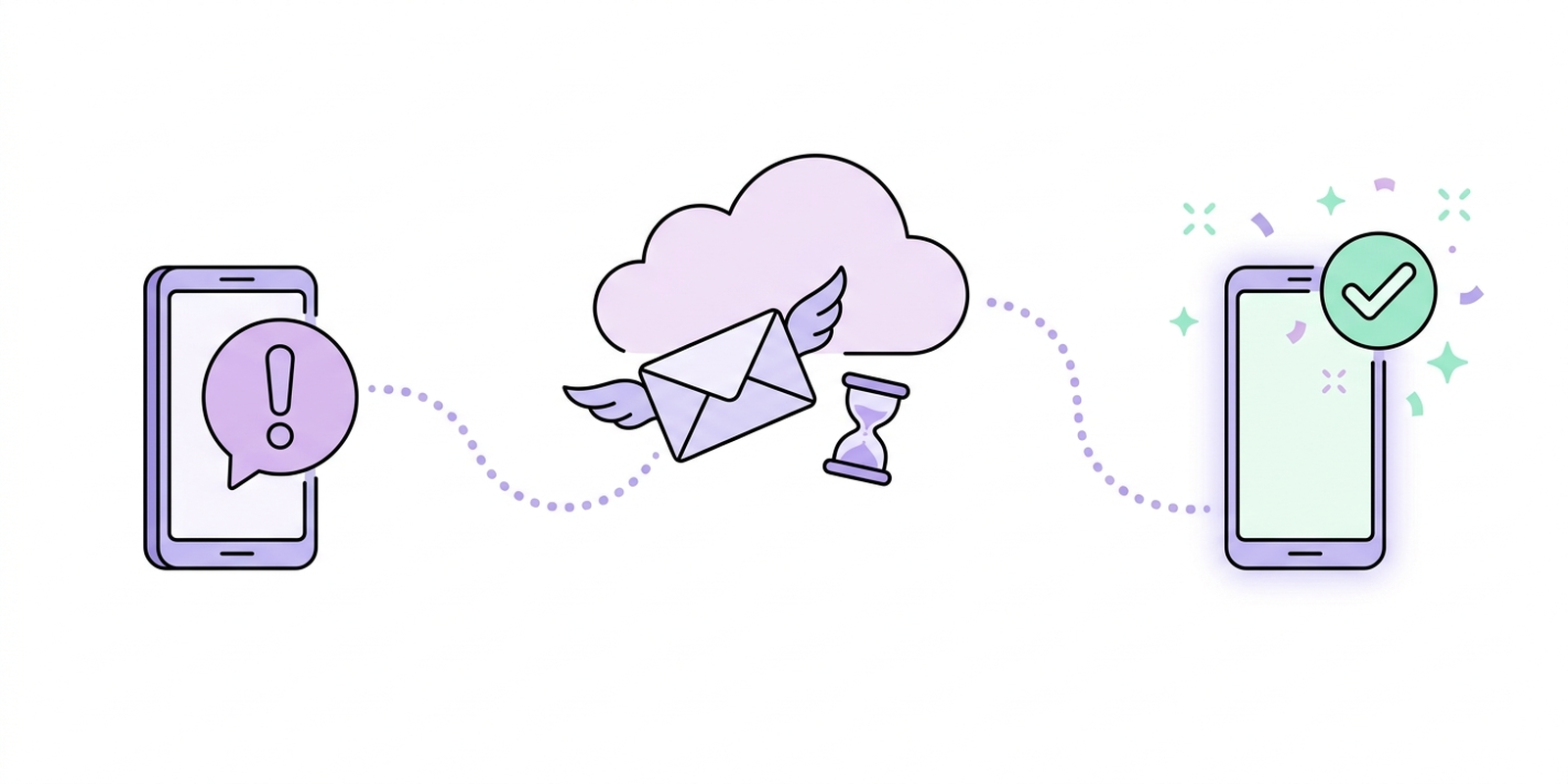
Uninstall any unofficial app first. If the ban came while using GB WhatsApp, a mod, or a bulk sender, remove it and install the official WhatsApp or WhatsApp Business app. Appealing while the violating app is still installed tends to fail.
Tap "Request a review" on the ban screen. Enter the code WhatsApp sends by SMS, add a short honest explanation, and submit. This is the fastest channel — it goes straight into Meta's review queue.
Or email support@whatsapp.com. Include your full number in international format (for India: +91 followed by the number), the phrase "banned by mistake," and two or three sincere lines of context. Something like:
My number +91 98XXXXXX00 has been banned. I was sending wedding invitations to my own guest list and understand this may have looked like bulk messaging. I wasn't aware of the limits and won't repeat it. Please review and restore my account.
Wait — without spamming the queue. Reviews typically resolve in 24 hours to 3 days. Sending five follow-up emails a day resets you to the back of nobody's sympathy. One polite follow-up after three silent days is fair.
When it's restored, go slow. Don't resume mass forwarding on day one — a second ban on the same number is much harder to appeal.
If the review is rejected: reply to the rejection email once, calmly, with any detail you left out. If it stays rejected, the number is gone for WhatsApp's purposes, and a new number is the practical path — this time set up the official way from the start.
How do I make sure this never happens again?
By sending future bulk messages through the channel Meta built for volume: the WhatsApp Business API, connected to your own number via WhatsApp coexistence. Your phone keeps working normally; invitations, reminders, and RSVPs go out through the API using Meta-approved templates — official, rate-managed, and ban-proof, because you're no longer breaking any rule.
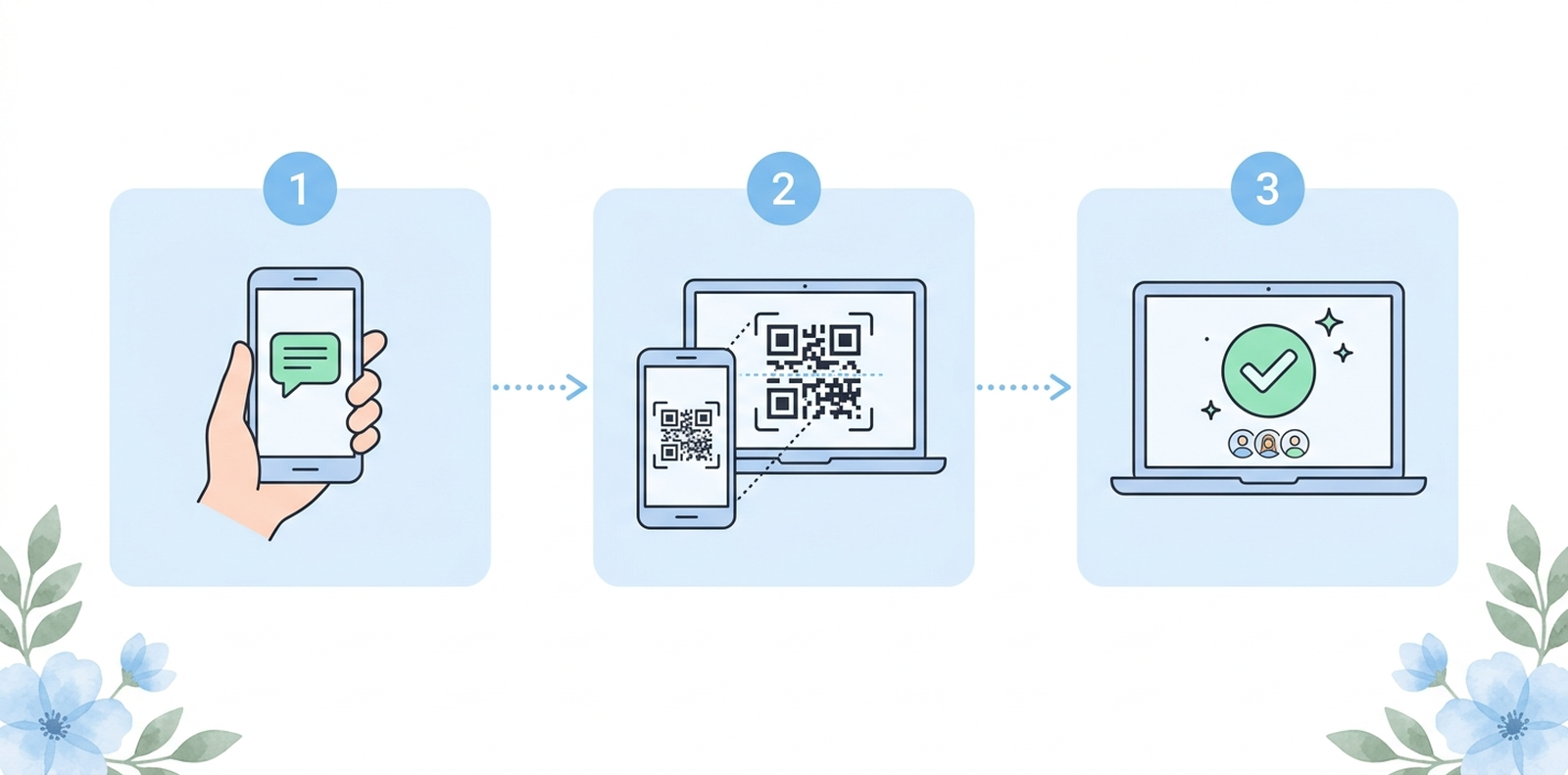
The setup is a five-minute QR scan, the same gesture as linking WhatsApp Web — the full walkthrough is in How to connect your WhatsApp number to Wedd.ai. And if you're reading this before sending your invitations rather than after a ban: the guide on sending bulk messages to wedding guests without getting blocked will save you this whole page.
Get your number back — then bulk-proof it
A ban two weeks before the wedding feels like a catastrophe, but it's usually a three-day detour. Appeal it, get restored, and then move your guest messaging to the route that can't be banned. Wedd.ai, a Meta tech provider for WhatsApp coexistence, connects your restored number to the official WhatsApp Business API and handles every invitation, reminder, and RSVP from there.
Set up the official route with Wedd.ai — same number, zero ban anxiety.
Frequently Asked Questions (FAQs)
How much time does WhatsApp take to unban a number?
A 72-hour ban lifts exactly when the timer ends — nothing speeds it up. Permanent-ban reviews usually resolve within 24 hours to 3 days, occasionally up to a week during busy periods.
Will I lose my chats and groups?
No. Chats live on your phone and in your Google Drive or iCloud backup, not on WhatsApp's servers. Once restored, everything is where you left it. You also stay in your groups.
Can I get unbanned quickly? Can an app or paid service speed it up?
No shortcut exists — anyone selling an instant unban is selling either the same free appeal you can file yourself, or a scam. The quickest route is filing Request a Review the moment you see the ban screen; there are only two channels, the in-app review and support@whatsapp.com, and both are free.
Can I just make a new account on the same phone with a different number?
Technically yes, and it is sometimes the only option after a final rejection. But if you repeat the bulk-sending behaviour, the new number gets banned too — Meta bans patterns, not just numbers. Fix the method, not the SIM.
Was it because I used a bulk sender only once?
Once is enough. Detection reacts to the sending pattern in real time, not to repeat usage. This is also why safe bulk senders do not exist — the ban risk is the product.
Can I still use Wedd.ai if my number was previously banned?
Yes. Once the number is restored, it connects to the API like any other. If anything, the official route protects a previously-flagged number, because all volume now flows through Meta's approved channel.