How to Send Bulk WhatsApp Messages to Wedding Guests Without Getting Blocked
· Meera Kapoor · 5 min read
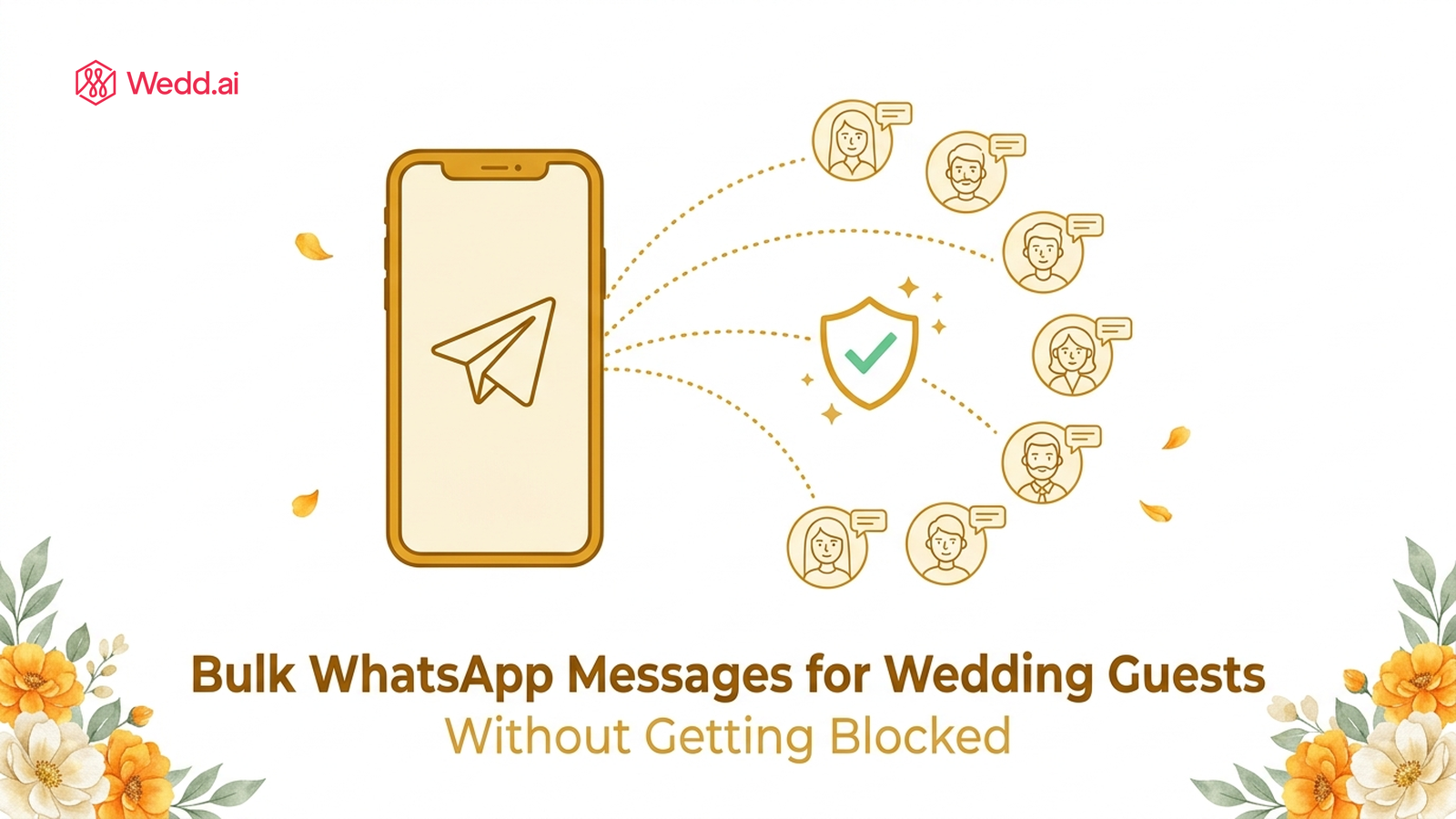
Quick Summary: You can safely send bulk WhatsApp messages to hundreds of wedding guests by using the official WhatsApp Business API instead of a bulk sender app. Unofficial senders blast messages from your personal number and get it banned; the API sends the same messages with Meta's approval, from your own number, with no blocking risk.
Every wedding season the same story repeats. A couple finalises the guest list, someone downloads a "WhatsApp bulk message sender" that promises unlimited free messages, the invitations go out in one glorious hour — and by evening the number is banned. The bride's number. Two weeks before the wedding.
This guide covers how to actually send bulk messages to 100, 300, or 900 guests without any of that: what gets numbers blocked, what the official route looks like, and what it costs.
Why does WhatsApp block numbers for bulk messages?
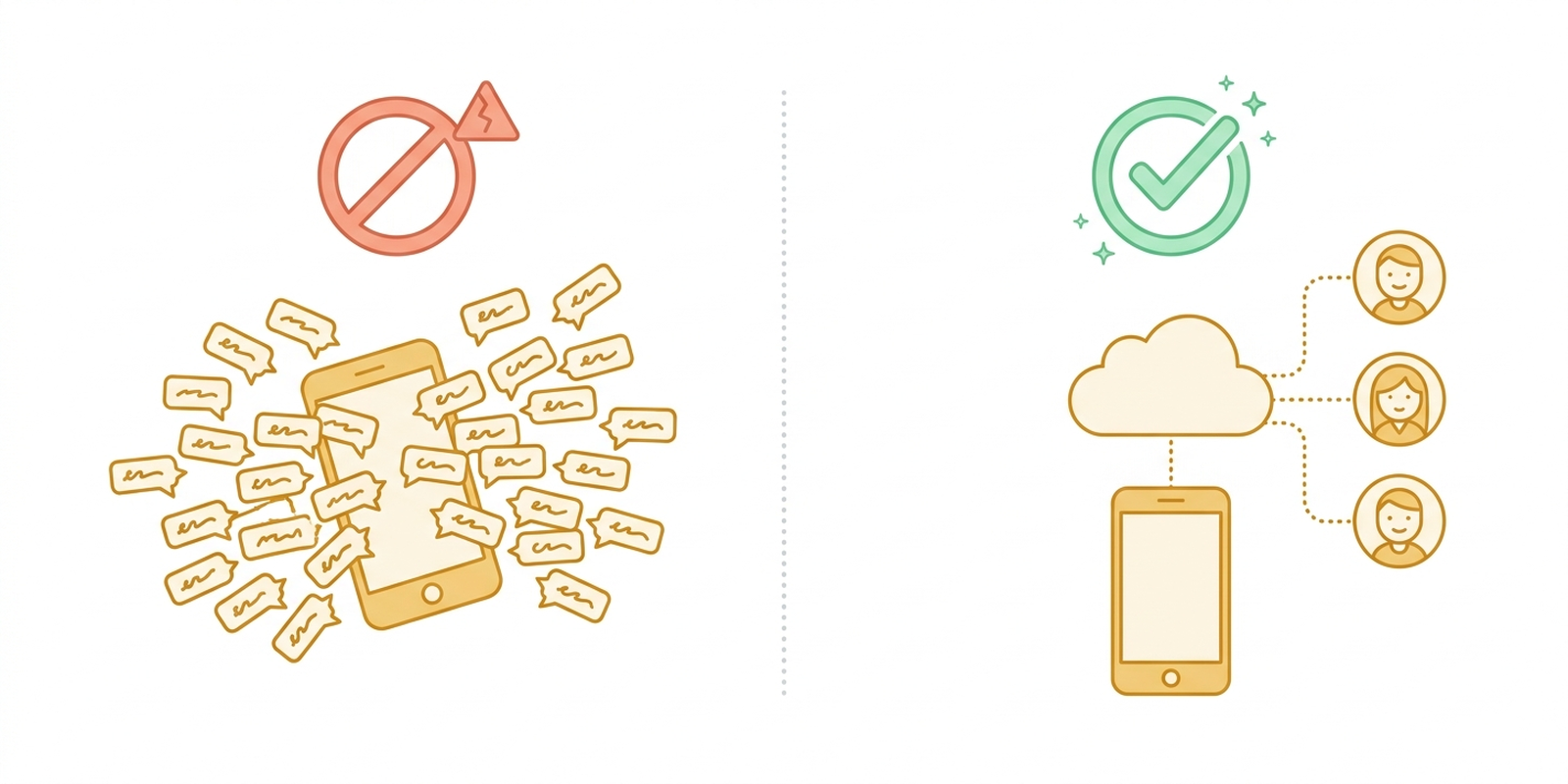
WhatsApp blocks numbers that show automated, spam-like sending patterns: hundreds of identical messages fired in minutes, messages to long lists of people who never messaged you back, or third-party software puppeting your account. Bulk sender tools trigger all three at once, which is why bans follow so quickly.
Meta's detection doesn't know your 300 recipients are beloved family. It sees one number behaving exactly like a spam operation and acts accordingly — usually a 72-hour ban first, then a permanent one for repeat offences. A handful of guests tapping "report" because the invite arrived as an unfamiliar-looking WhatsApp blast message finishes the job.
The uncomfortable truth: there is no trick, delay setting, or "safe mode" that makes unofficial bulk sending safe. The tools that promise "bulk message sender without blocking" are the exact tools the detection is built for.
So how do you send bulk messages the official way?
Through the WhatsApp Business API — Meta's own channel built precisely for one sender messaging many people. The magic part is a newer Meta feature called WhatsApp coexistence: your own number stays on your phone for normal chats, and the same number connects to the API for the heavy lifting.
Here is what changes when your messages go through the API instead of a bulk sender:
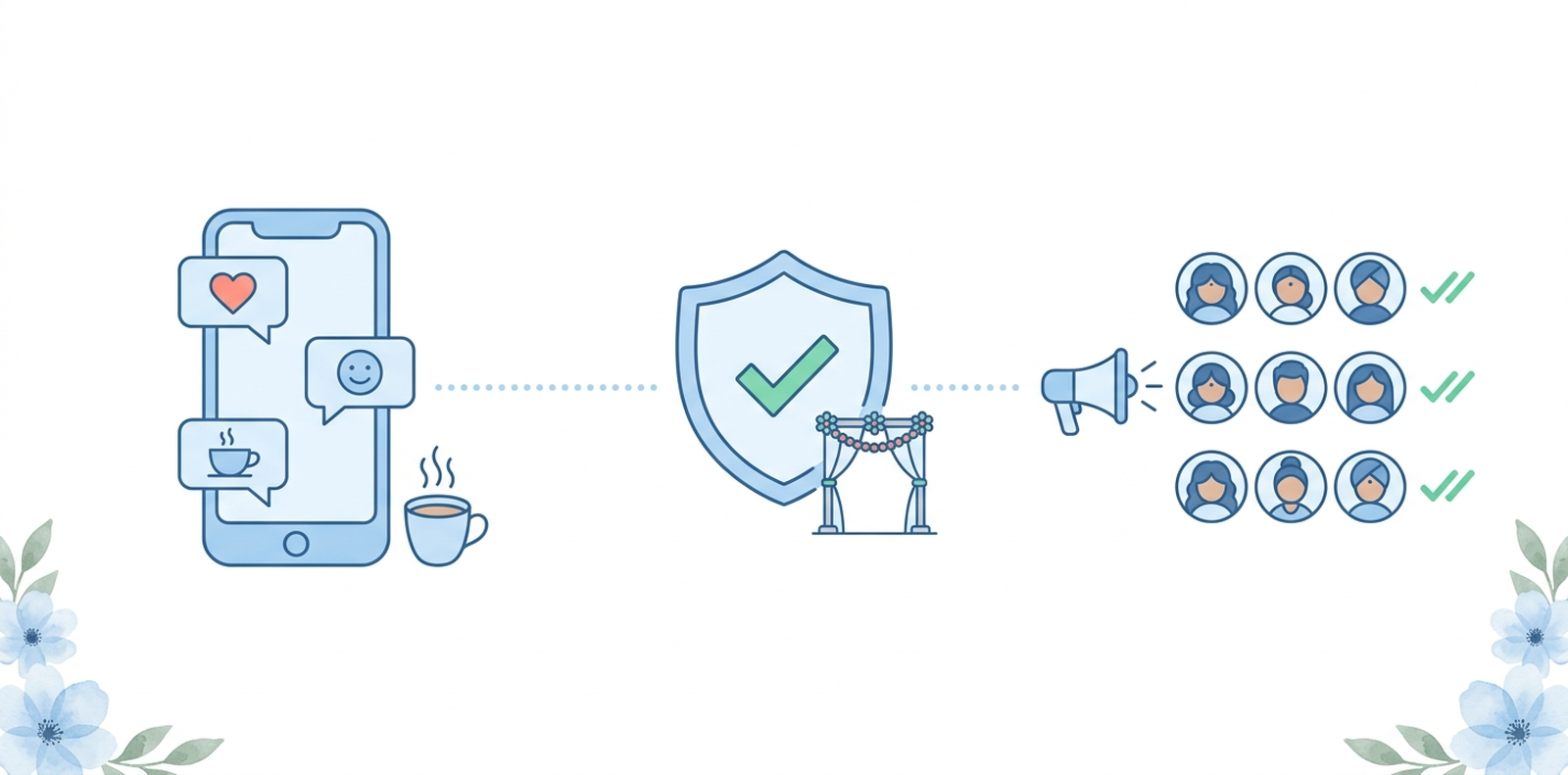
- Meta knows and approves. Bulk messages use pre-approved templates, so there is nothing to detect or ban — high volume is the expected behaviour.
- Everyone receives it, saved or not. API messages don't have the broadcast list's "only guests who saved your number" catch.
- It's still your number. Guests see your name and photo, not some 140-number they'll ignore.
- Replies come back organised. RSVPs, questions, and confirmations land in a dashboard instead of drowning your personal chats.
What about broadcast lists and wedding groups?
The built-in alternatives are fine at small scale, and each hits a wall:
| Method | Works until... |
|---|---|
| Forwarding one by one | About 30 guests, then it eats your evenings |
| Broadcast list | 256 contacts — and only guests who saved your number receive anything |
| One big wedding group | The first midnight debate about the dress code |
| Bulk sender tool | The ban, typically within a day or two |
| WhatsApp Business API | Doesn't — this is what it's built for |
The broadcast catch surprises people most: your message shows as sent, but half your partner's family never gets it because they haven't saved your number yet. With the API there is no such condition — which also answers the classic "how do I send bulk WhatsApp messages without adding contacts": through the API, you upload the guest list and send; nobody needs to be in your phone book and nobody needs to have saved you.
How do you set it up? (Shorter than you'd think)
- Put your number on the free WhatsApp Business app (if it isn't already — switching from personal WhatsApp keeps your chats).
- Connect it to a platform built by a Meta tech provider. In Wedd.ai this starts from the dashboard and opens Meta's own signup window.
- Scan a QR code from your WhatsApp Business app — the same gesture as linking WhatsApp Web.
- Send. Upload your guest list, pick or write your invitation template, and go.
The full walkthrough with screenshots of each step is here: How to connect your WhatsApp number to Wedd.ai. Total time is about five minutes, and your phone keeps working normally throughout.
How many guests can I message per day?
New API numbers start with roughly 250 new conversations per day, rising automatically to 1,000, then 10,000, as guests receive and read your messages without complaints. For a wedding list, that means a 300-guest invitation goes out over a day or two at first — a platform like Wedd.ai paces it for you — and by your reminder rounds the limit is no longer a constraint.
Compare that with a bulk sender: unlimited on paper, banned in practice.
What does bulk messaging cost?
Far less than people expect. Meta charges per message in India: marketing templates around 78 paise, utility messages like reminders around 12 paise, and replies within a guest's 24-hour window are free. Inviting 300 guests and sending four or five updates each over the season lands in the low hundreds of rupees — less than a single printed card. The platform's own pricing is separate.
Already blocked? Start here
If your number is banned right now, the recovery playbook is a separate read: WhatsApp banned my number: how to get unbanned step by step. Most first-time bans lift within days — and once you're back, the API route keeps it from happening twice.
Invite everyone. Keep your number.
Bulk messaging your wedding guests isn't the problem — the unofficial route is. Wedd.ai, a Meta tech provider for WhatsApp coexistence, connects your own number to the official API in a five-minute QR scan, then handles invitations, reminders, and RSVPs for every guest on your list, saved or not.
Send your invitations the official way with Wedd.ai — from the number your guests already trust.
Frequently Asked Questions (FAQs)
Will WhatsApp ban me for sending bulk wedding invitations?
Not if they go through the WhatsApp Business API with approved templates — that is official, expected volume. Bans happen when unofficial tools blast from the app side of your number. Same guests, same message, completely different outcome depending on the route.
How do I send wedding invitations to all my guests on WhatsApp at once?
Upload your guest list to a platform connected through the WhatsApp Business API, pick your invitation template, and send once — it delivers to every guest individually, whether or not they saved your number. No broadcast batches, no forwarding marathons, and replies come back to one dashboard.
Which bulk WhatsApp sender is actually safe for wedding invitations?
Only platforms built on the official WhatsApp Business API by a Meta tech provider. Anything that sends through the app on your phone — APKs, browser extensions, WhatsApp marketing software — will eventually trigger a ban, whatever it promises. The tell: safe platforms onboard you through Meta's own signup with a QR scan inside your WhatsApp Business app.
Can I send WhatsApp messages to multiple contacts without a broadcast list?
Yes. Through the API you send to your whole uploaded guest list at once — no broadcast list, no 256 cap, no saved-contacts-only condition. For a handful of people, WhatsApp's built-in select-and-forward also works without a list.
Are free bulk WhatsApp sender downloads safe?
No. Beyond the near-certain ban, these APKs ask you to scan your WhatsApp Web QR code into unknown software — handing a stranger live access to your chats. Never do this with the number your bank and family use.
My number already got blocked from sending invites. Now what?
Appeal it — most first-time 72-hour bans lift, and even permanent bans can be reviewed. Once it is back, switch to the API route so it never happens again.
Do guests see that a platform sent the message?
No. Messages arrive from your number with your name and photo, exactly like a message you typed — because officially, it is from you.