Using Your Own Number with the WhatsApp Business API: Coexistence vs a Dedicated Number
· Meera Kapoor · 6 min read
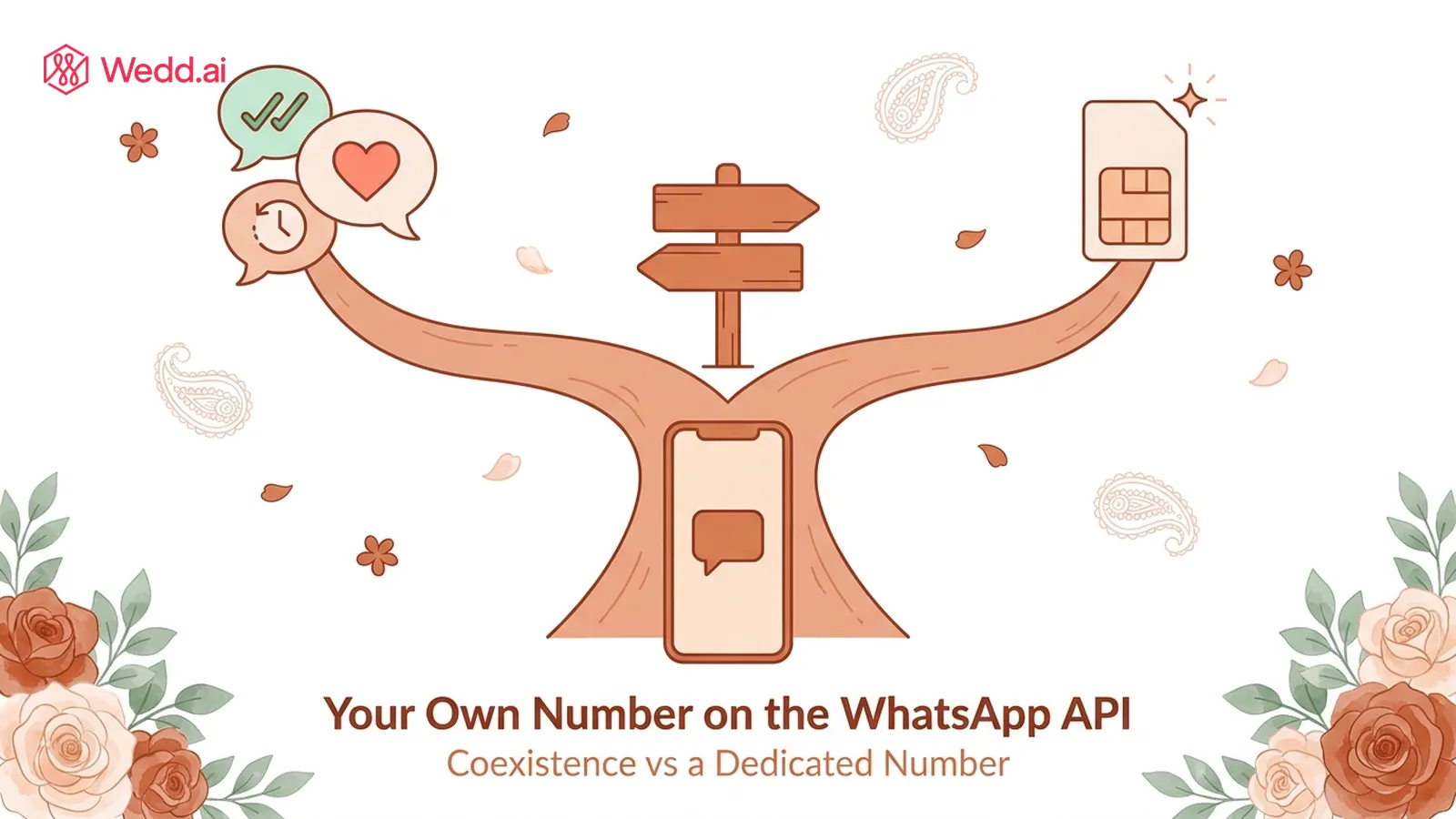
Quick Summary: Yes, you can use your own number with the WhatsApp Business API. Through coexistence, the number on your WhatsApp Business app connects to the API, so your phone keeps working while a platform sends invitations and reminders from that same number. The alternative is a fresh, dedicated number that lives only on the API.
Ask anyone who has messaged 300 wedding guests from one phone and they will tell you the same thing: the number matters. Your bua has it saved. Your college friends have it saved. The caterer has it saved. So when the time comes to send invitations properly, through the official WhatsApp Business API, the first question is simple. Do I have to give up my number to do this?
Not anymore. This guide compares the two routes, keeping your own number through coexistence or starting fresh with a dedicated one, and helps you pick the right one for a wedding.
Can I use WhatsApp and WhatsApp Business on the same number?
Not at the same time. A number lives in either WhatsApp Messenger (the personal app) or the WhatsApp Business app, never both at once. Installing the Business app moves your number across, chats included, rather than copying it.
That is a different question from the one most hosts actually need answered, which is whether the same number can be on the Business app and the Business API together. That one is a yes, and it is exactly what WhatsApp coexistence does. If you want the full three-way breakdown, see WhatsApp vs WhatsApp Business vs the API.
What are the two ways to put a number on the API?
Route 1: Your own number, through coexistence. The number you already use in the WhatsApp Business app gets linked to the API with a QR scan. You keep chatting, calling and posting status from your phone. A connected platform sends approved messages from the same number, and replies sync both ways, so guests see one conversation.
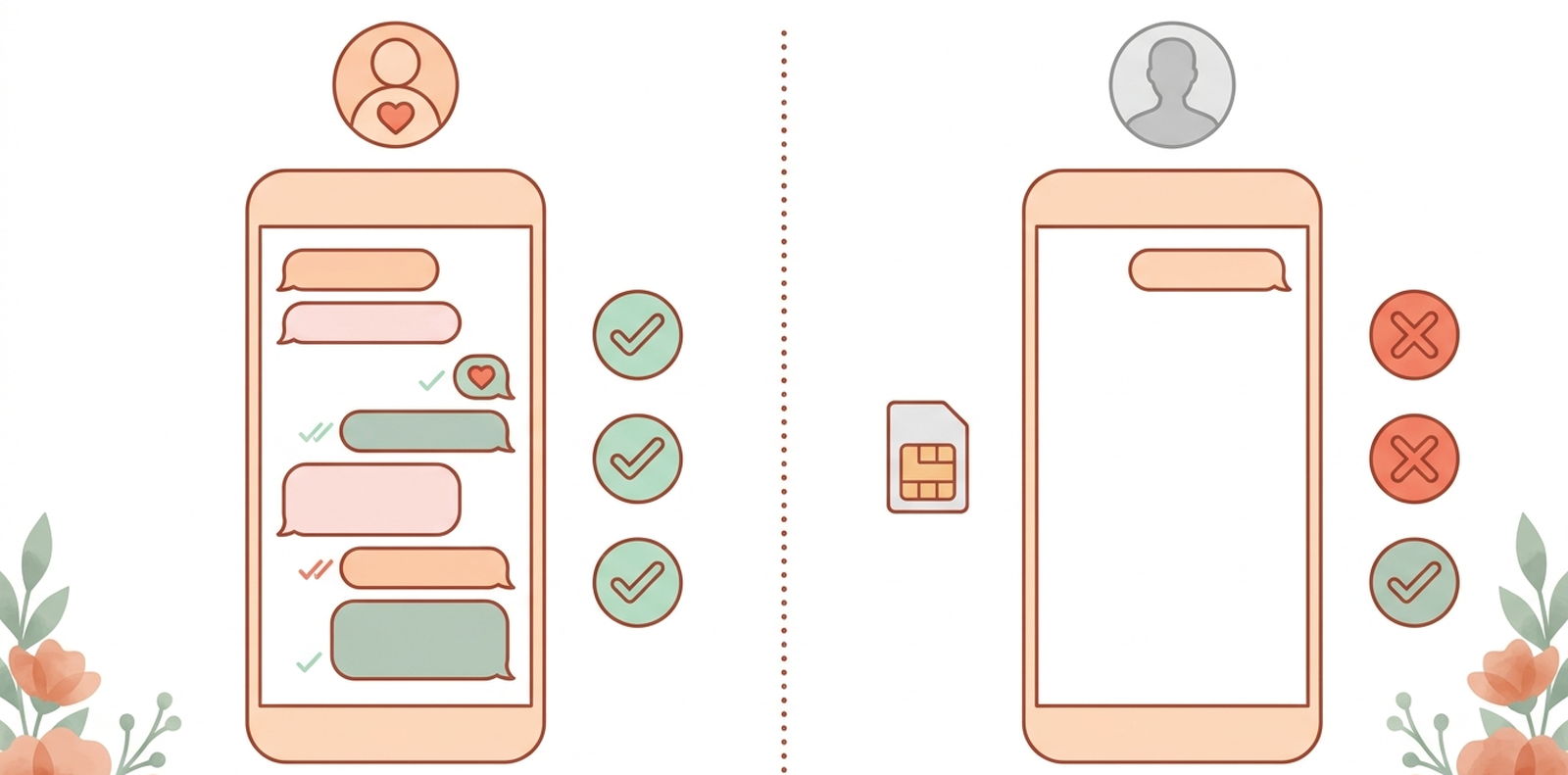
Route 2: A dedicated number. You set up a separate number that runs on the API only. Before coexistence existed, this was the only option: moving a number to the API meant losing it in the app entirely. A dedicated number starts as a clean slate, with no chat history and no contacts who know it yet.
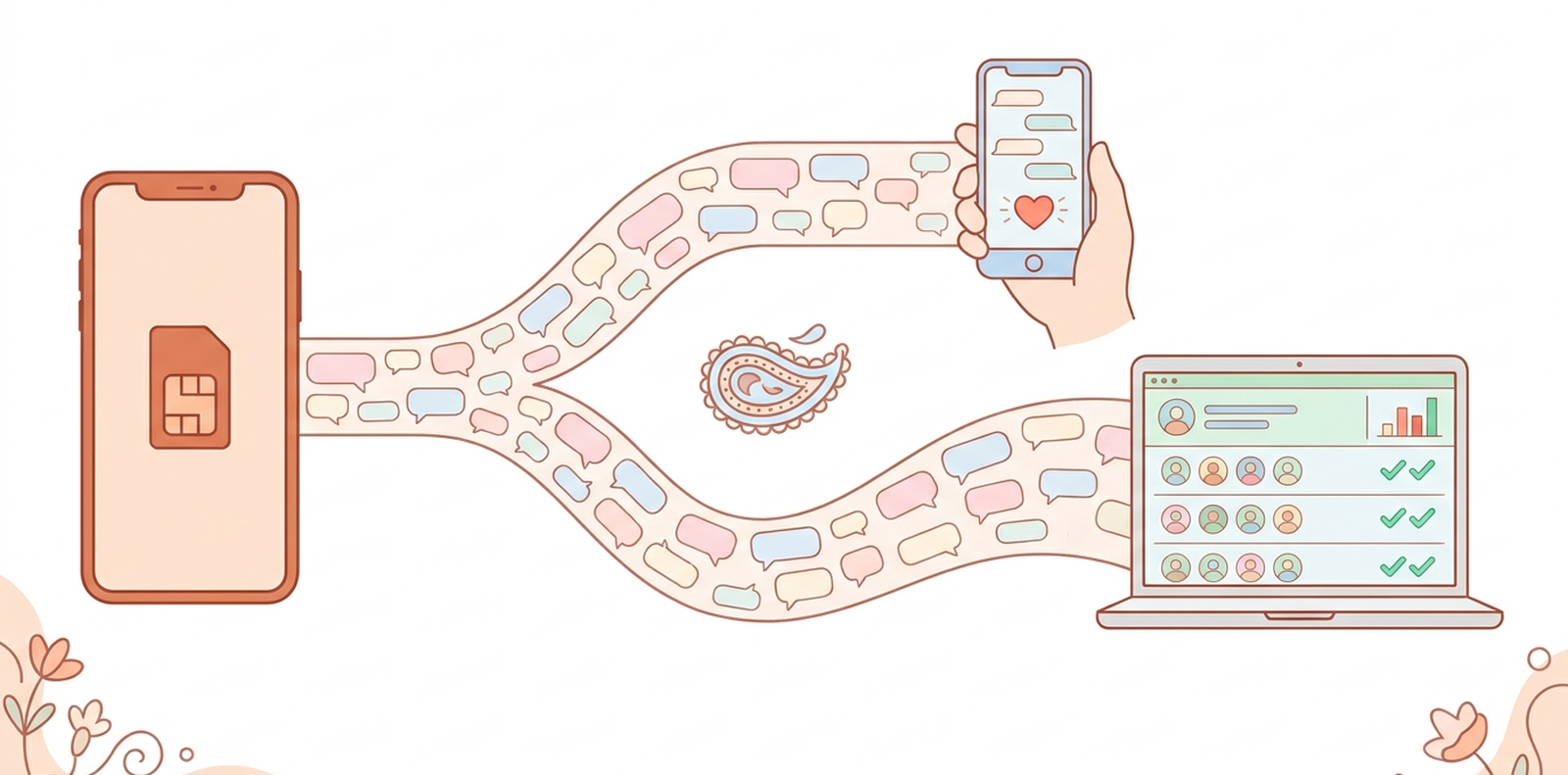
Coexistence vs a dedicated number, side by side
| Your own number (coexistence) | Dedicated number | |
|---|---|---|
| Chat history | Stays on your phone | Starts empty |
| WhatsApp on your phone | Keeps working: chats, calls, status | Not usable in the app at the same time |
| Do guests recognise the sender? | Yes, it is the number they saved | No, it is new to everyone |
| Daily limit for new people | 250 a day, 2,000 after Meta business verification | Same: 250 a day, 2,000 after verification |
| Setup | A QR scan from the WhatsApp Business app | A separate number to register on the API |
| Best for | Couples, families, planners who want one number | Teams who want messaging fully separate from any phone |
The limits row surprises people. A dedicated number does not get you a bigger daily allowance. Both routes start at 250 new people a day and go up to 2,000 once your business is verified, as explained in our coexistence guide. What actually moves the needle is message quality, and that is where your own number has the edge.
When should a wedding host keep their own number?
Almost always. Three reasons:
- Guests open messages from numbers they know. An invitation from an unknown number gets ignored, or worse, reported. From the number your family has saved for years, it gets opened.
- RSVPs land where you already look. Replies come back into the chats you already read, and into the platform's dashboard, instead of a second inbox you have to remember to check.
- Nothing new to manage. No second phone to charge, no new SIM, no extra bill.
There are two small rules to know. Some app features, like disappearing messages and view once, switch off for a coexistence number because the API cannot honour them. And Meta expects you to open the WhatsApp Business app at least once every 14 days to keep the link active. For a wedding, where you are on your phone constantly anyway, neither is a real cost.
When does a dedicated number make more sense?
A dedicated number fits when messaging should be completely separate from any one person's phone. For example, a planning studio with several team members answering guests, where nobody wants client traffic on their personal handset.
Even then, many planners stick with coexistence. One business number can be connected once and still run separate guest lists and message flows for each wedding, while the planner keeps taking client calls on that same number. A brand new number also has no history with Meta, and new numbers that suddenly message hundreds of people are exactly what WhatsApp watches most closely, and how numbers end up banned.
How to use two WhatsApp accounts on one phone
You need one number per account. On a dual SIM phone you can run WhatsApp Messenger on your personal number and the Business app on your wedding number side by side. Recent versions of WhatsApp also let you add a second account inside one app, again using a second number.
How to use WhatsApp on two phones with the same number
Link the second phone as a companion device. The Business app lets you link up to four companion devices, such as a second phone, a laptop or a tablet, on top of the main phone that holds the SIM. A coexistence platform connects through the WhatsApp Business Platform, not as one of those linked devices. More on this in what a WhatsApp Business number is.
How do I switch my number to coexistence?
- Move your number to the free WhatsApp Business app if it is on personal WhatsApp today. Your chats, groups and media come across.
- Start the connection from your platform. In Wedd.ai this opens Meta's own signup window.
- Scan the QR code from the Business app under Settings, Linked devices, Link a device.
- Choose what to share. Sharing existing chats and contacts is optional.
The click by click version is in How to connect your WhatsApp number to Wedd.ai, and the full picture of what changes on your phone is in WhatsApp coexistence setup.
Keep the number your guests already trust
You do not have to choose between your phone and the official API anymore. Wedd.ai, a Meta tech provider for WhatsApp coexistence, connects your own number in a five minute QR scan, then sends invitations, reminders and RSVP requests to every guest from the number they already have saved. If you are about to send hundreds of invites, read how to send bulk WhatsApp messages to wedding guests without getting blocked first.
Frequently Asked Questions (FAQs)
Can I use WhatsApp and WhatsApp Business on the same number?
Not at the same time. One number lives in either WhatsApp Messenger or the WhatsApp Business app, never both. Installing the Business app moves the number across with its chats. What coexistence adds is different: the same number on the Business app and the Business API together.
Will I lose my chats if I connect my number to the API?
Not with coexistence. Your chats, calls and status stay on your phone exactly as before. During setup WhatsApp asks whether to share existing chat history with the connected platform, and you can say no.
Do guests see a different name when messages come through the API?
No. With coexistence the messages come from your number, with your name and photo, so they look like any message you typed yourself.
Can I go back to using only the app?
Yes. Unlink the platform and your number returns to app only use straight away. Coexistence is a connection, not a migration.
Can I use a virtual number for WhatsApp Business instead?
We do not recommend it. Anyone selling "WhatsApp Business numbers" is selling virtual numbers, which WhatsApp does not reliably accept, and they are a common cause of banned numbers.
Can I have two WhatsApp accounts on one phone?
Yes, with two numbers. On a dual SIM phone you can run WhatsApp Messenger on one number and the Business app on the other. Recent versions of WhatsApp also let you add a second account inside one app, again with a second number.