WhatsApp Broadcasts
WhatsApp Verified Badge (Green Tick) — How to Get It
The WhatsApp "green tick" is a blue verified badge now. There are two ways to get it — a free Official Business Account request you submit yourself, or a paid Meta Verified subscription. Here's which one fits your wedding.
By Wedd.ai Team · Updated August 24, 2026
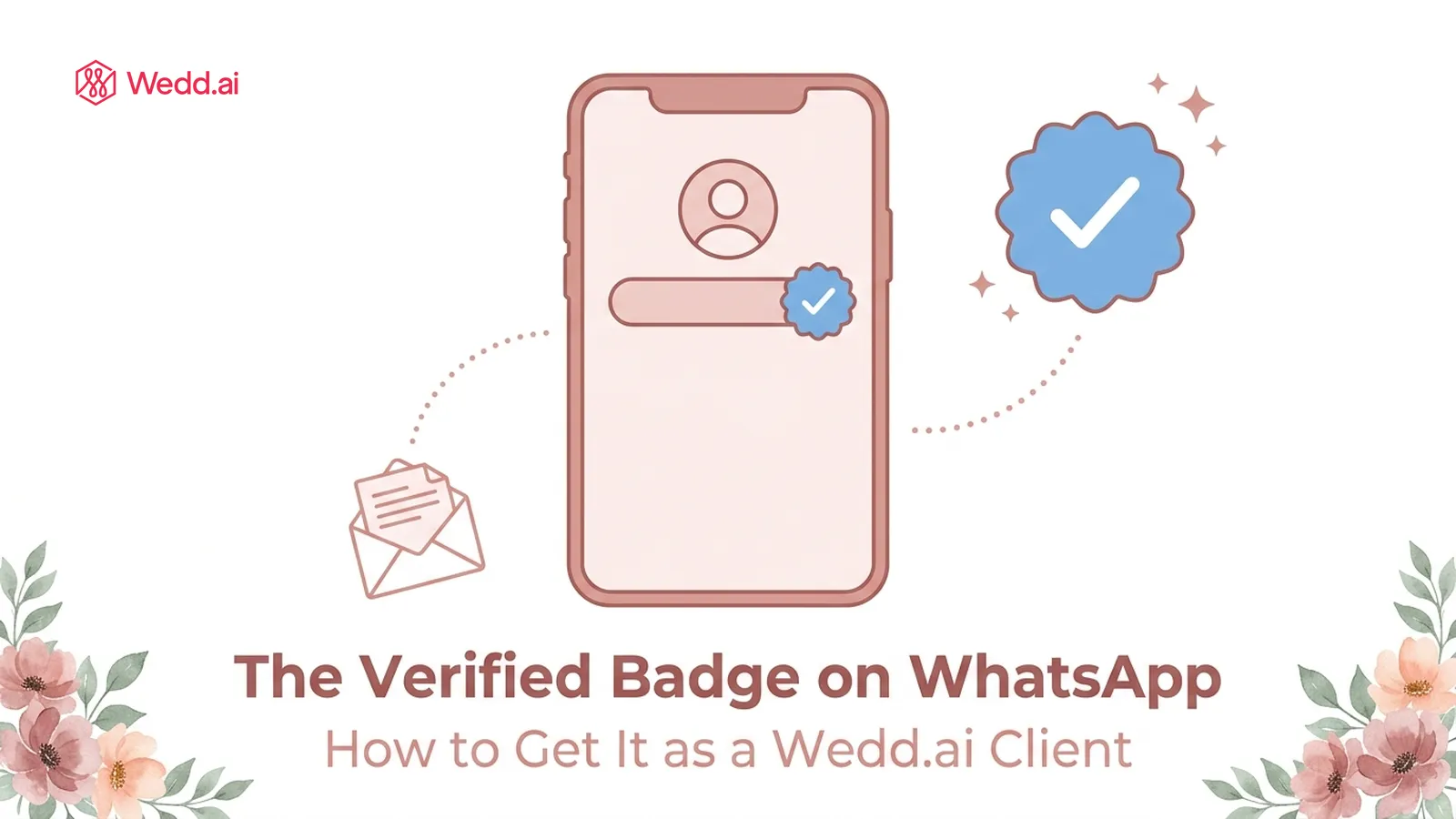
Quick answer: The WhatsApp “green tick” is now a blue verified badge next to a business name — Meta changed the colour in 2024. There are two ways to get it. Free: an Official Business Account review, which you request yourself in WhatsApp Manager — the account you own because you logged in with your own Facebook account during the coexistence QR setup. Paid: a Meta Verified subscription bought inside the WhatsApp Business app. Both show guests the same badge.
Is it a green tick or a blue tick on WhatsApp?
Blue. Until mid-2024, verified businesses on WhatsApp showed a green checkmark, so “green tick” stuck in everyone’s vocabulary — and in search boxes. In July 2024 Meta switched it to the same blue rosette used on Facebook and Instagram, and opened verification up to small businesses through Meta Verified. If a guide still promises a “green tick”, it’s out of date; what you’re applying for today is the blue one.
What does the verified badge actually do for a wedding?
It tells guests the account is genuinely yours. When an invitation arrives from a number showing “Sharma Wedding ✔”, the recipient is less likely to dismiss it as spam — which is the whole battle with first-contact messages to 300 people. Practically, the badge:
- shows your display name instead of a bare phone number in some places, even for guests who haven’t saved you;
- makes impersonation harder — a lookalike account can’t carry the badge;
- nudges up reply rates, especially with older relatives and guests who don’t recognise the sender’s number.
It does not raise your daily messaging limits and it does not change Meta’s per-message fees. Those move on their own tracks.
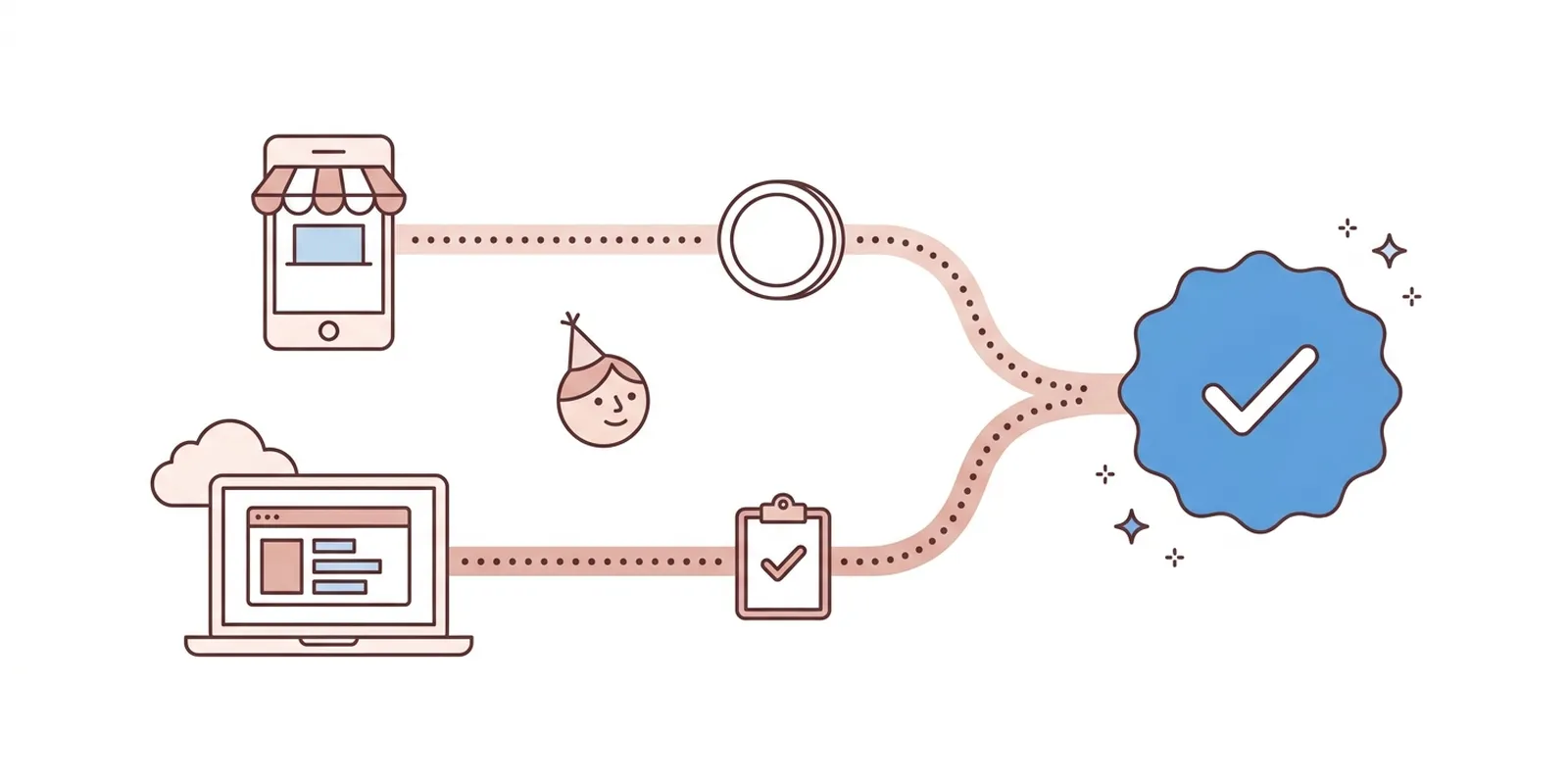
What are the two ways to get verified?
Because coexistence puts your number on both the WhatsApp Business app and the WhatsApp Business Platform, both routes are open to you.
| Official Business Account (OBA) | Meta Verified for Business | |
|---|---|---|
| Cost | Free | Monthly subscription — India plans launched at ₹639/month |
| Where it’s requested | Your own WhatsApp Manager, on the platform side — you submit it | Inside the WhatsApp Business app on your phone, under Settings |
| Needs Meta business verification? | Yes — your business portfolio must be verified first | No — identity and business checks happen inside the subscription flow |
| Waiting period | Number must be on the platform for 30 days before you can apply | Apply immediately; review usually within days |
| If rejected | Reapply after 30 days | Fix what was flagged and try again |
| Best for | Registered businesses — planners, venues, event companies | Couples and family-run accounts who want the badge quickly |
One thing worth knowing before you choose: Meta does not grant Official Business Account status to numbers that live only on the WhatsApp Business app. The request only works because coexistence also registers your number on the WhatsApp Business Platform. A number that never joined the platform has exactly one route — Meta Verified.
How do I request the free Official Business Account badge?
You do this yourself, and you can — here’s why. When you connected to Wedd.ai, a Meta tech provider for WhatsApp coexistence, Meta’s signup window asked you to log in with your Facebook account. That step created (or reused) a Meta business portfolio that you own, holding your WhatsApp Business Account. Wedd.ai sends messages through it but can’t act as the business: Meta gives you full access to WhatsApp Manager for that account, and gives tech providers none of the badge or verification controls.
Meta’s current eligibility list has five items, and all five must be true before you apply:
- You comply with the WhatsApp Business Messaging Policy — no history of spam complaints, bulk sends to people who didn’t opt in, or unofficial tools.
- Meta business verification is complete — the business portfolio that owns your number has passed Business Verification, with documents proving the business exists: registration certificate, GST certificate, utility bill, or similar.
- 30 days on the platform — your number has been connected through Wedd.ai for at least a month.
- An approved display name — the name guests see (“Mehta Wedding”, “Aarav & Diya”) has been approved by Meta. Names that look like a person, or that don’t match the verified business, get sent back.
- Two-step verification is on — a PIN set on the number, from Settings → Account → Two-step verification in the WhatsApp Business app.
Then open WhatsApp Manager, logged in with the same Facebook account you used for the QR setup, and follow: Overview → select your business phone number → Phone numbers → Profile → Official Business Account → Submit request. Meta reviews and notifies you of the result. If it’s a no, a fresh request can go in after 30 days. Meta doesn’t publish a review time — a few business days is typical, longer in busy periods.
What Wedd.ai does in this process: gets the number onto the platform (day one of the 30-day clock), helps you set and submit the display name, and points you to the right screens. Wedd.ai support can’t see or submit the request itself — Meta scopes it to the account owner.
Honest caveat: Meta approves Official Business Account status at its own discretion, and it has historically favoured established, publicly known businesses. A wedding planning company with a website and press mentions has a strong case; a couple’s one-off wedding number often doesn’t. If that’s you, Meta Verified is the realistic route.
How do I subscribe to Meta Verified from the WhatsApp Business app?
On your phone, open the WhatsApp Business app and go to Settings → Meta Verified (some versions surface it under Business tools). Pick a plan, complete the identity and business checks, and pay through the App Store or Google Play. In India the entry plan launched at around ₹639 a month per app; the app shows the exact current price for your account before you pay, so treat any figure in a guide — including this one — as indicative. Higher tiers add more support and extras such as up to 10 linked devices instead of the standard four. The badge appears once the review clears.
To subscribe you must be 18 or older, and your number must be registered in a country where Meta Verified for WhatsApp is available. India is.
Two things Meta enforces after you subscribe:
- Your profile locks for 20 days — no changes to name, category, or address during that window.
- Changing key profile details later drops the badge. You’d need to re-subscribe to restore it, so set your wedding display name before subscribing, not after.
You can cancel the subscription after the wedding; the badge goes with it.
Which route should I pick?
- Registered wedding business — planner, venue, decorator, photographer? Start Meta business verification now, connect to Wedd.ai, and submit the Official Business Account request from your WhatsApp Manager at the 30-day mark. It’s free, and it stays.
- A couple or family running one wedding? Meta Verified from the app. It’s fast, and the subscription only needs to run for the months you’re actually messaging guests.
- Wedding in under 30 days? Meta Verified is the only route that can land in time.
Whichever you choose, the badge sits on top of a number you already own — see what a WhatsApp Business number is if you’re still at that step, or how the three WhatsApps differ if the platform-versus-app distinction is new to you.
Frequently Asked Questions (FAQs)
How do I get the green tick on WhatsApp Business?
The badge is blue now, and there are two routes. Free: submit an Official Business Account request in your own WhatsApp Manager — it needs Meta business verification, 30 days on the WhatsApp Business Platform, an approved display name, two-step verification, and a clean messaging-policy record. Paid: subscribe to Meta Verified from Settings in the WhatsApp Business app on your phone.
Is there a fee to get verified on WhatsApp?
The Official Business Account route is free. Meta Verified is a monthly subscription — in India the entry plan launched at ₹639 a month, and the app shows the exact current price before you pay. Neither route changes Meta's per-message fees.
How long does WhatsApp verification take?
Meta Verified reviews usually complete within a few days of subscribing. Official Business Account requests have no published timeline — expect days to a couple of weeks, on top of the 30-day minimum on the platform before you can apply at all.
Why isn't my verified badge showing after approval?
Give it up to a day and make sure the WhatsApp Business app is updated. If you changed your business name, category, or address after subscribing to Meta Verified, the badge is removed by design — restore the details or re-subscribe. For an Official Business Account, check that the display name in WhatsApp Manager is still the approved one.
Can I get verified on a personal WhatsApp account?
No. Badges are for business accounts only — the WhatsApp Business app or the WhatsApp Business Platform. Personal WhatsApp Messenger has no verification at all. Moving your number to the Business app is free and keeps your chats.
Does the verified badge stop my number from being banned?
No. The badge confirms identity, not behaviour. Bans come from messaging people who didn't opt in, using unofficial bulk tools, or being reported — a verified account that spams still gets banned. Sending through approved templates is what keeps a number safe.
Can Wedd.ai apply for the badge on my behalf?
No — and no tech provider can. Under coexistence the WhatsApp Business Account belongs to your own Meta business portfolio, so Meta only accepts the Official Business Account request from you in WhatsApp Manager, and Meta Verified is bought from your own phone. Wedd.ai handles the platform side and can walk you through both routes.
Do guests need to do anything to see the badge?
No. The badge appears automatically next to your name in their chat list and profile view, on any recent version of WhatsApp.